Enterprise User Security Configuration and Management Tools
Configuration and Administration Tools Overview 2-23
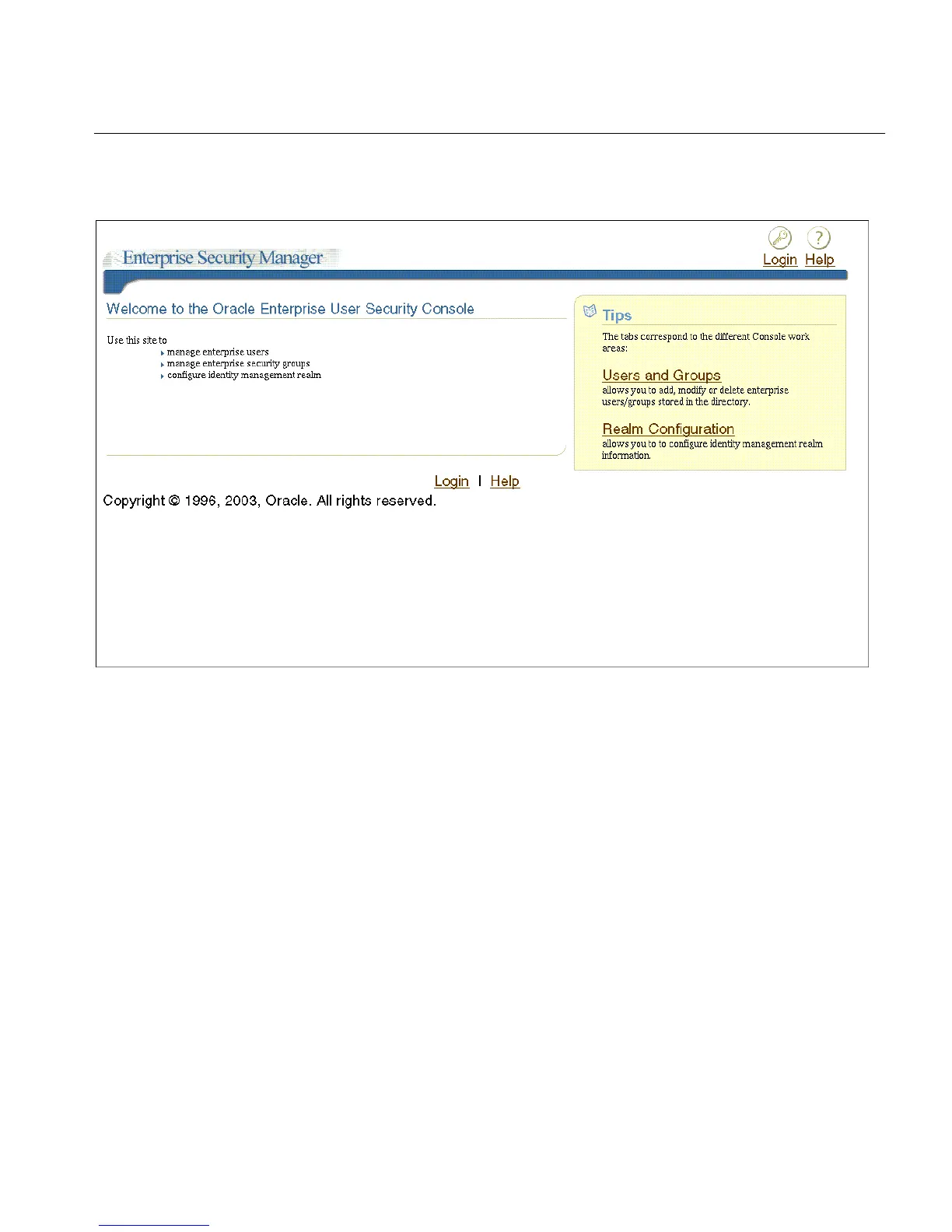
Figure 2–7 Enterprise Security Manager Console Login Page
2.
Click the Login icon in the upper right-corner of the page to log in with your
OracleAS Single Sign-On username and password.
After providing your OracleAS Single Sign-On credentials, you are returned to
the console home page.
To change the default Enterprise Security Manager Console URL:
If you cannot use the default URL to connect to the Enterprise Security Manager
Console, then you must enter the appropriate URL before you can launch the
console.
1. In the Enterprise Security Manager main application, choose File > ESM
Console URL. The ESM Console URL window appears as shown in Figure 2–8.



 To Next Page