Preface
iv
Preface
The Remote Support tool allows Oracle Customer Support to remotely access Linux-
based Oracle MICROS workstations/express stations when Oracle MICROS Simphony is
experiencing operational issues.
Purpose
This document describes how to use Remote Support at workstation startup in the
following workstation images:
•
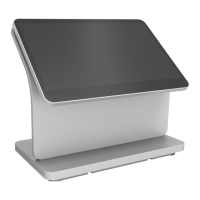
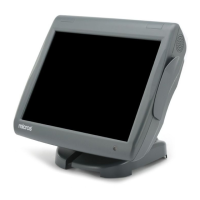
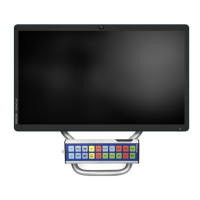
Workstation 625 and 655 Linux Image 19.0.15.210111
•
Compact Workstation 310 Linux Image 20.0.10.210611
•
Express Station 4 Linux Image 19.0.4.210827
Remote Support at workstation startup will also be included in future Oracle Linux
workstation/express station images.
Important Information
In most support scenarios, customers will launch Remote Support from within Simphony
Ops. If Simphony Ops cannot load properly, Remote Support can be launched at
workstation startup.
Customer Support
To contact Oracle Customer Support, access My Oracle Support at the following URL:
https://support.oracle.com
When contacting Customer Support, please provide the following:
•
Product version and program/module name
•
Functional and technical description of the problem (include business impact)
•
Detailed step-by-step instructions to recreate
•
Exact error message received and any associated log files
•
Screenshots of each step you take
Documentation
Oracle Food & Beverage product documentation is available on the Oracle Help Center
at http://docs.oracle.com/en/industries/food-beverage
Revision History




 To Next Page