Manual for Tire Pressure Monitoring Systems, TPMS
10/22
Choosing preferred Pressure Units and Temperature Units
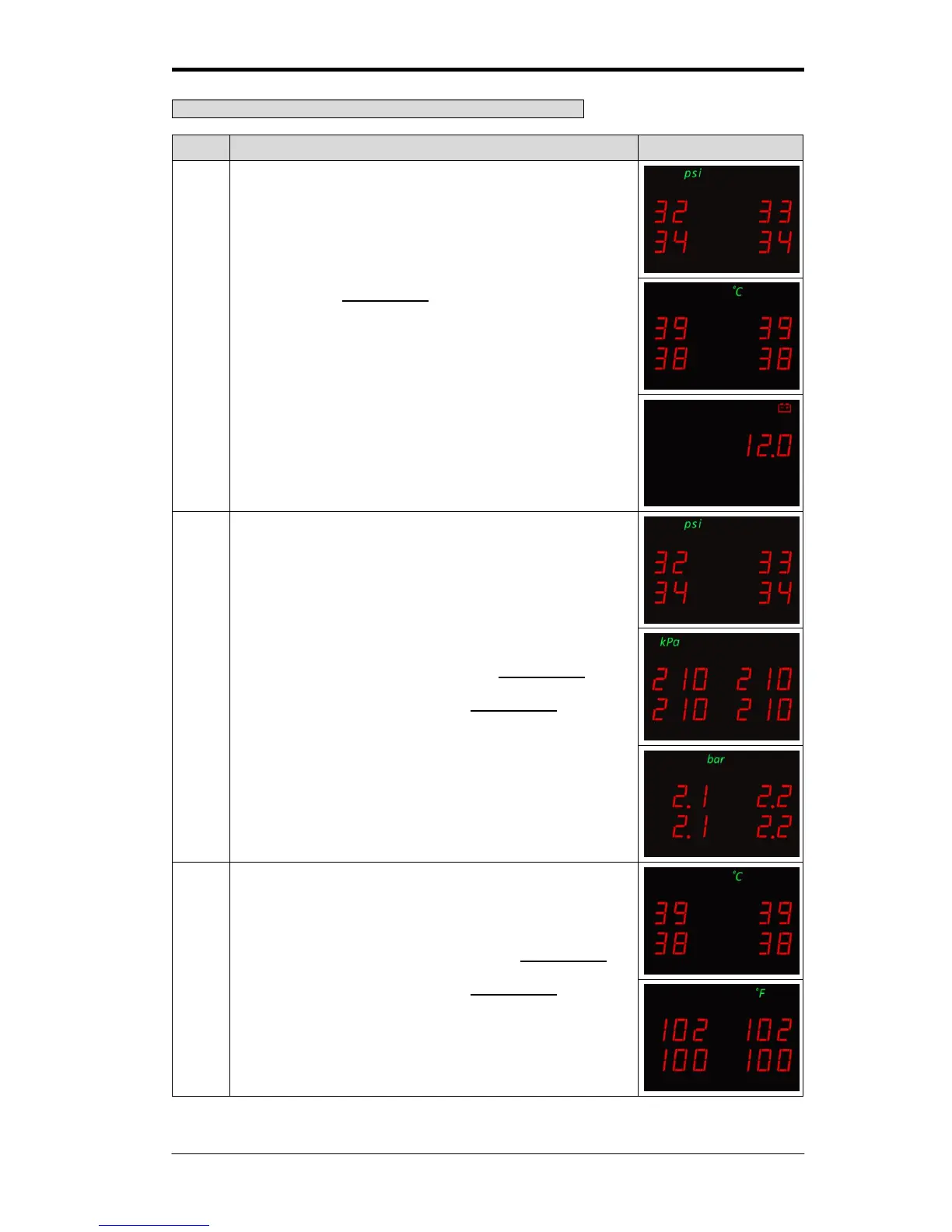
By pressing the function key, it will switch among
displaying the pressure unit, displaying the temperature unit,
displaying the battery voltage, and displaying both pressure
unit and temperature unit by turns. The operator can choose
which one to set up first.
If the pressure unit is chosen. Press the function key for 3
seconds, it will switch to kPa, psi, bar in turn. Once the
preferred unit is chosen release the function key.
If the temperature unit is chosen. Press the function key for
3 seconds, it will switch to
o
C and °F in turn. Once the
preferred unit is chosen release the function key.



 To Next Page