26 27
• To add the number to an existing contact, touch a contact in the list.
Placing a Call from your Contacts List
• Touch > at the tab at the top of the screen.
• Touch a contact to place a call.
• Or place a call from contacts in the FAVORITES tab.
Checking Voice Mail
• Touch > .
• Touch and hold the “1” key on the keypad. When prompted, enter
your voicemail password.
• Follow the voice prompts to listen to messages and manage your
mailbox.
In-Call Options
While on a call, there are a number of options available:
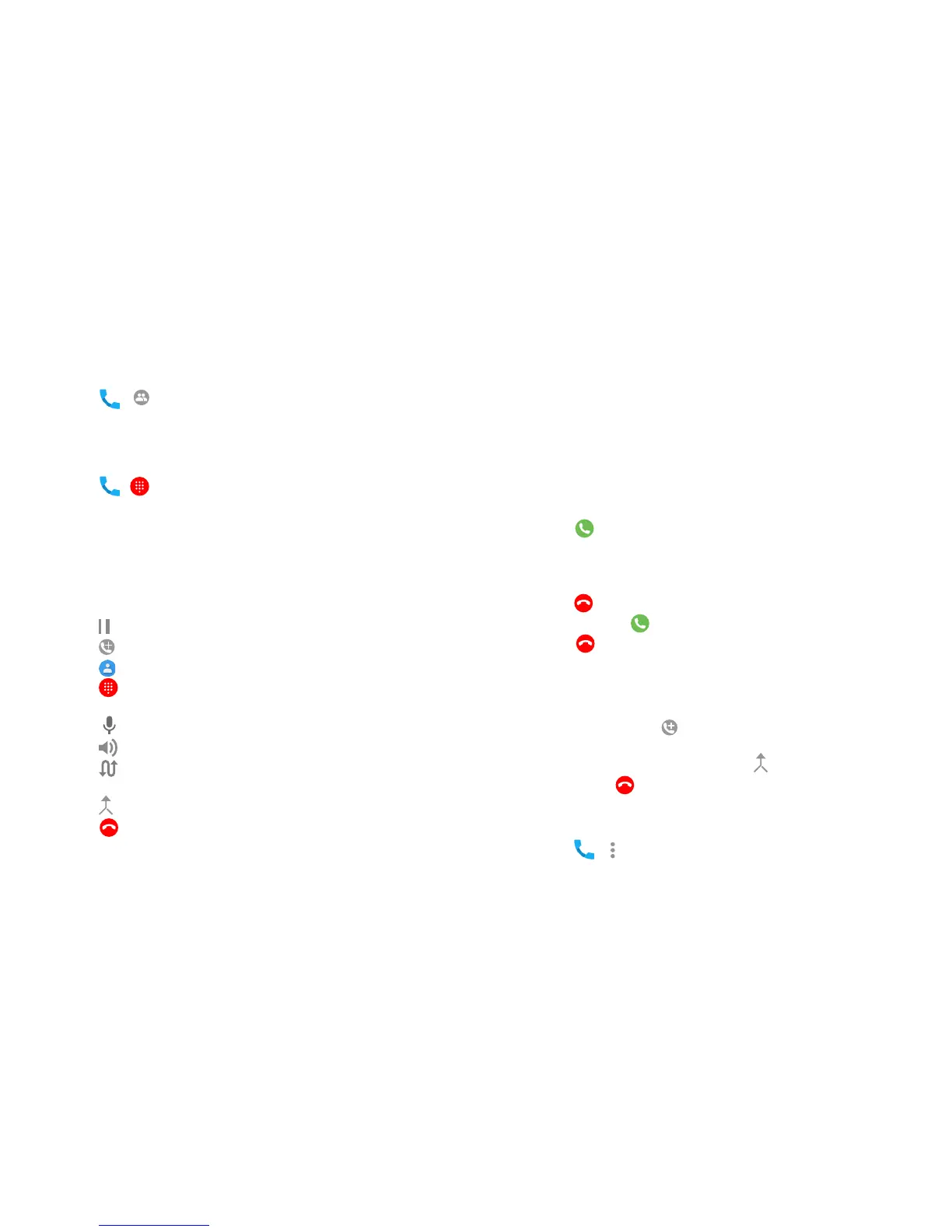
• Touch to put a call on hold.
• Touch to make a second call, while placing the first call on hold.
• Touch to go to contacts.
• Touch to go to keypad for when you need to enter a number (for
example, a PIN number for your voicemail).
• Touch to mute or unmute the microphone.
• Touch to turn the speaker On/Off.
• Touch to put current call on hold and switch to another call that is
already on hold.
• Touch to merge separate calls into a single conference call.
• Touch to end current call.
Managing Multi-party Calls
With Call Waiting and Three-way Calling, you can switch between two
calls or set up a conference call.
Note: Call Waiting and Three Way calling are network supported services.
Options may vary. Additional charges may occur. Contact your service
provider for additional information.
Switching Between Current Calls
When on a call, your phone screen will alert you that another call is
coming in and display Caller ID detail on the screen.
• Swipe right to answer the call. This action puts the first call on
hold.
• To switch between the calls touch phone number on screen to switch
between calls.
• Touch on the call you are on to end it.
• To Reject SWIPE left.
• Swipe up to reject the incoming call and send a preset message
to the caller.
Set up a Three Way Call
• While on a call, touch and dial the second number. The first call
will be placed on hold.
• When the second party answers, touch to connect both parties.
• To end, touch .
Call Settings
You can set the order in which your contacts are displayed.
• Touch > > Settings > Display Options.
• Touch SORT BY or NAME FORMAT to customize.



 To Next Page