5
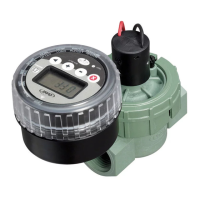
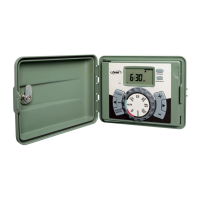
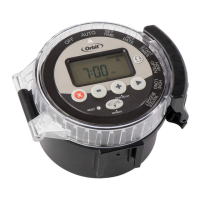
PROGRAMMING YOUR TIMER
Step 1
Press reset button.
Step 2–Set Time
Turn the dial to SET TIME.
Press
or to set the current time.
To quickly switch between
AM or PM press
.
Step 3–Set Date
Turn the dial to SET DATE.
Press
or to set the current year
then press
.
Press
or to set the current month
then press
.
Press
or to set the current day.
Step 4–Start Times
Turn the dial to START TIMES.
Press
to select the desired program.
NOTE: Use program B only if you want
to schedule watering independent of
Program A.
Press
or to set the desired start
time.
If more cycles are desired then press
and set another start time (up to 4).
To delete a start time press
.
NOTE: If start times overlap then the
second start time will water after the first
is finished.
Step 5–How Often
Turn the dial to HOW OFTEN.
Press
to select the desired program.


 To Next Page