the RESET button again unless you want to completely remove all
your programming.
Set the Time of Day and Date
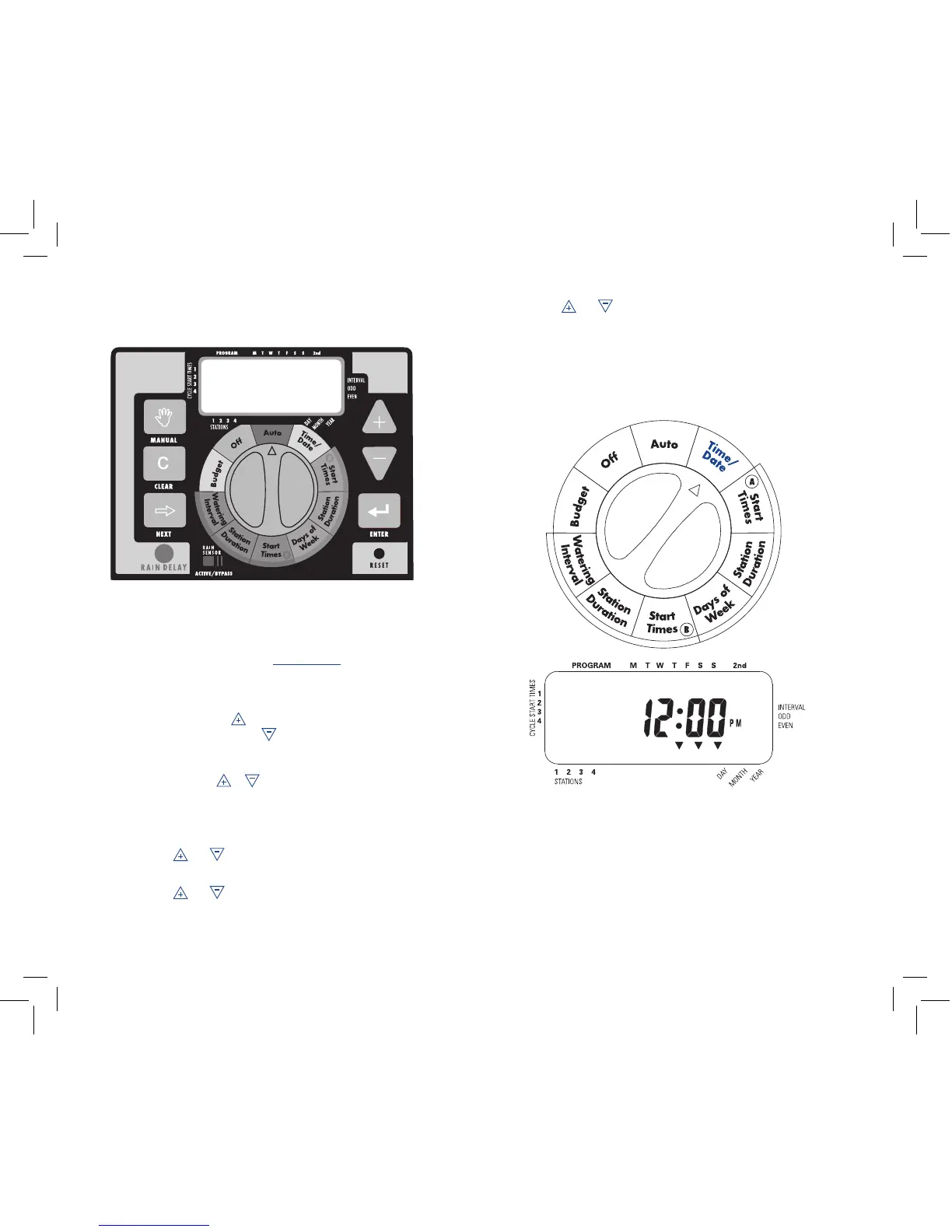
• Turn the rotary dial to the TIME/DATE position.
• 12:00 PM will appear in the display with three arrows
pointing to the year, month, and day. [See Figure 1]
• Press and hold the button to advance the clock to the cor-
rect time of day. Use the button to go in reverse. When the
correct time of day is reached, press the ENTER button to
lock in the time. To increase or decrease more rapidly, hold
down either the or buttons until the display goes into
rapid advance mode.
• A blinking cursor will appear below the arrow for the year,
month, and date when programming.
• Use the and buttons to set the correct year, then press
ENTER.
• Use the and buttons to set the correct month, then press
ENTER.
• Use the and buttons to set the correct date, then press
ENTER. The display will show the correct time and date.
Note: If a watering schedule is not entered into the timer, the factory
installed fail-safe program will turn on each station every day for 10 min-
utes. To avoid accidental station activation, either turn the rotary switch
to off or enter a watering schedule.
4
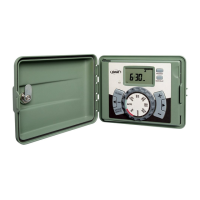
Figure 1: LCD Display with Surrounding Information
User Controls


 To Next Page