12
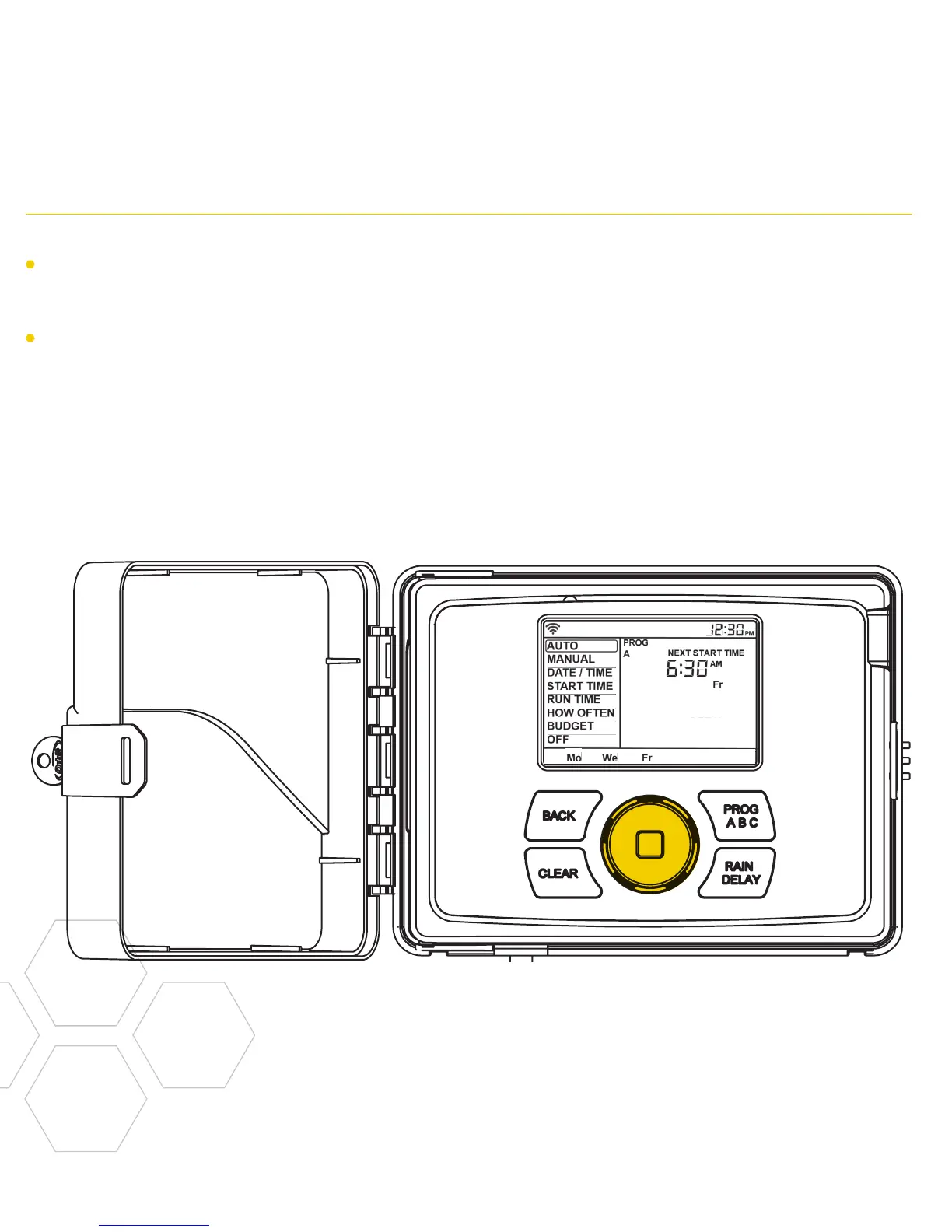
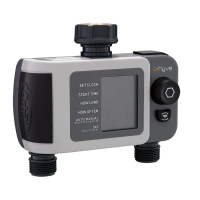
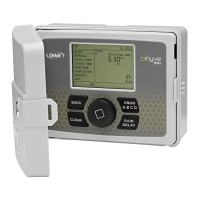
Using the DIAL Using the BACK and CLEAR Buttons
The DIAL can be used to scroll up or down, left
or right on menus, dates and times.
Press the DIAL to confirm a selection, to
deselect or to skip a running station.
The BACK button can be used return to
the main menu, or can be pushed twice to
return to auto.
The CLEAR button can be used to clear
entries in a selected screen.
The CLEAR button may also be used
to cancel Rain Delay, cancel a running
program or cancel a manual watering cycle.


 To Next Page