17
Programming the Timer–AUTO and OFFTimer LCD
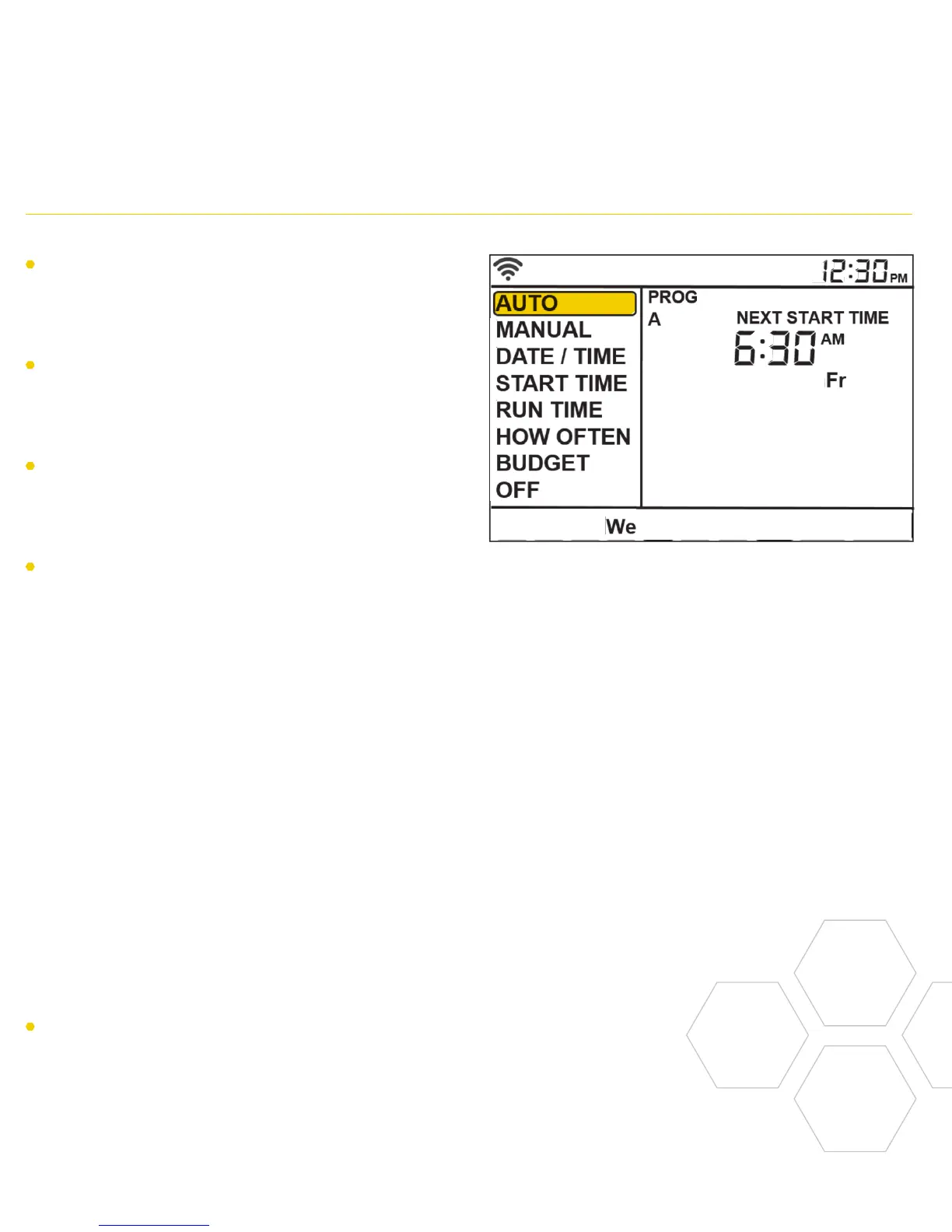
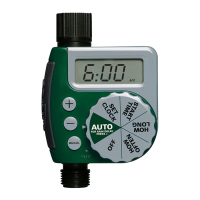
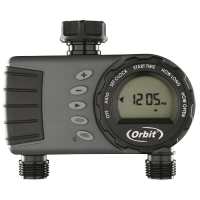
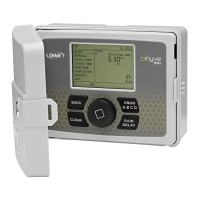
Main Menu Function
AUTO Set program is running
MANUAL To water stations manually
DATE/TIME Set clock time, Year, Month, and Day
START TIME Set time to begin watering
RUN TIME Set watering duration for each station
HOW
OFTEN
Set frequency of watering days
BUDGET
Adjust overall watering as a
percentage
OFF Turn all stations/functions off
Note: Programming for each of the features covered
here can be accomplished at the timer or with the app.
The timer should be in AUTO during the
irrigation season and OFF in the winter
months or the non-irrigation months.
Turn the dial to the AUTO position and
press the dial or just leave it there to keep
it in AUTO.
If the dial selection is left in any position
other than OFF, it will revert back to
AUTO after approximately 20 seconds.
To turn your timer OFF, turn the dial to
OFF and press the dial or just leave it in
the OFF position.


 To Next Page