15
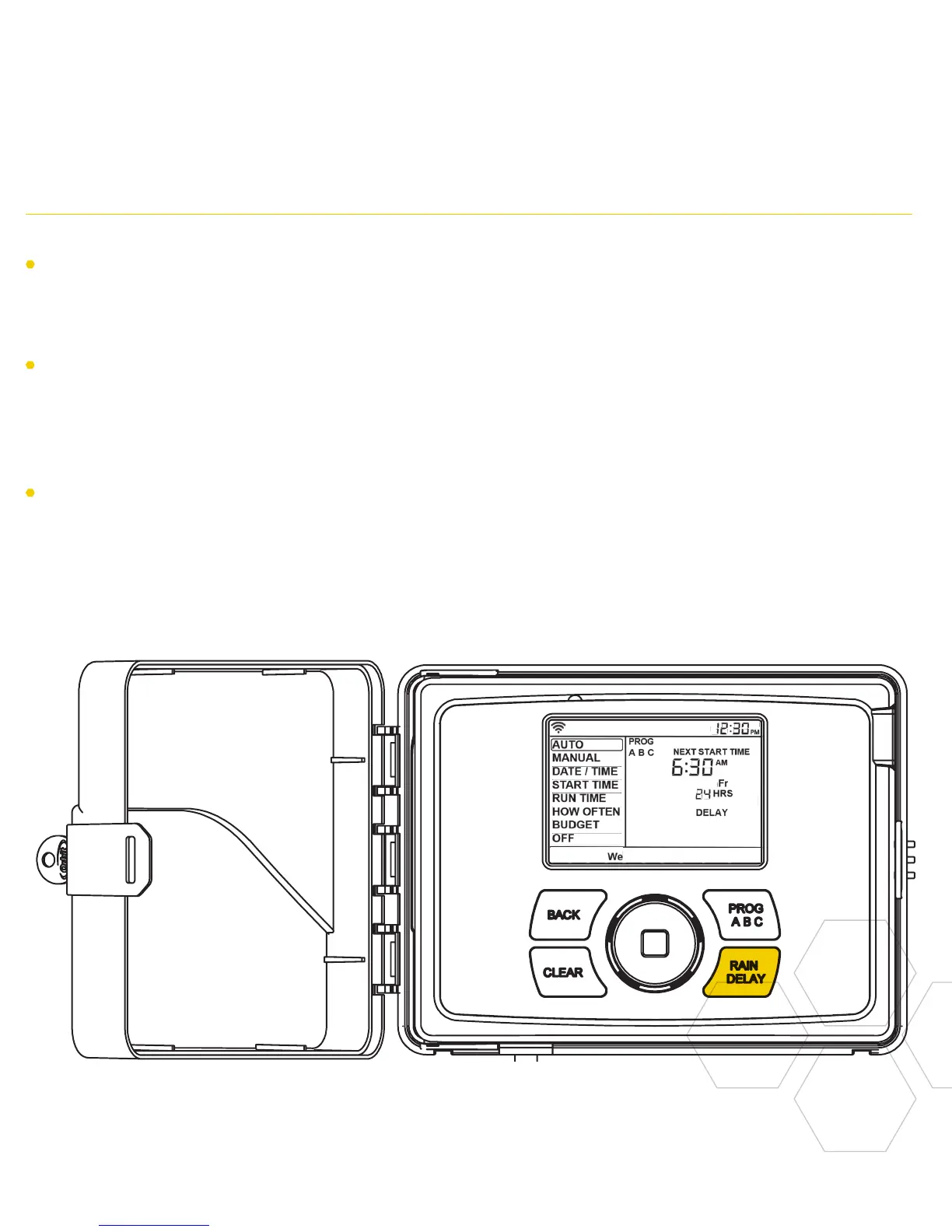
Using the PROGRAM (PROG ABC) Button Using the RAIN DELAY Button
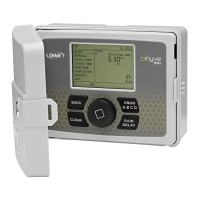
Press PROG ABC to turn on or off
programs that have been set-up. A, B, C or
Smart will illuminate to show programs that
are active and will water.
Note: To water in smart mode only, the
Phone icon is the only program that should
be showing in the LCD.
Note: If you do not see the program letter
(A, B, C or the phone) in the LCD, that
program will not water. Press PROG ABC
until you see the program(s) that you wish
to water.
The RAIN DELAY button can be used to
turn off all watering for a duration of 1 to
32 days.
Press RAIN DELAY repeatedly, or turn the
dial after pressing rain delay once, until the
desired number of days is showing in the
LCD.
To cancel a rain delay, press CLEAR.


 To Next Page