22
Programming the Timer–BUDGET Manual Operation
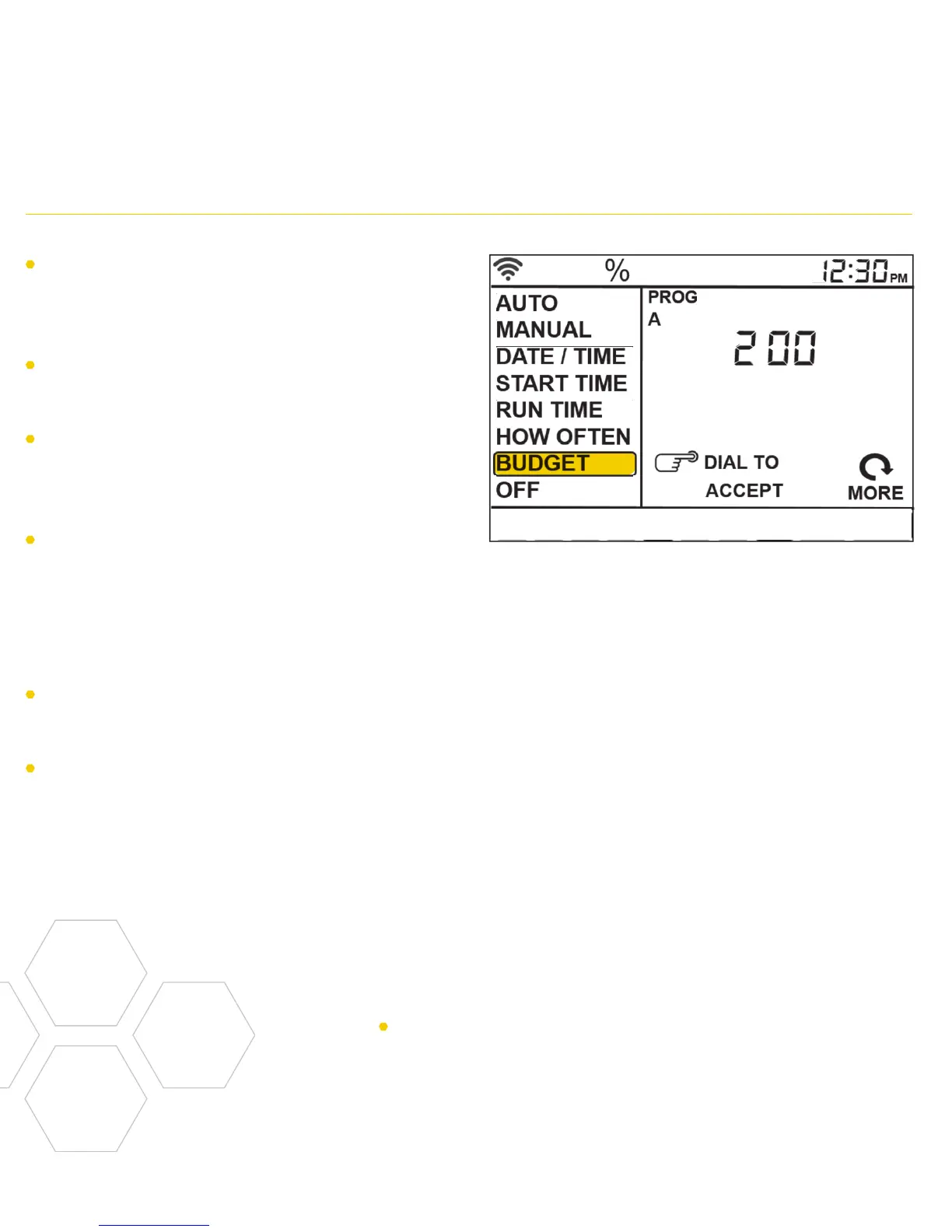
The water budgeting feature makes it easy
to change all of your run times without
having to change them one by one.
Turn the dial until the selection box is on
BUDGET and press the dial.
Adjusting budget will adjust all of the run
times in a program by the percentage
chosen.
Example: If you have zones set up to water
for 10 minutes and you adjust your budget
from 100% to 150%, those same zones
will water for 15 minutes without having to
change each run time.
Water budgeting is an easy way to adjust
all zones for seasonal changes.
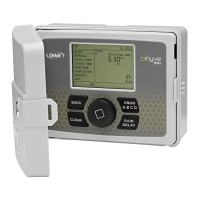
If you are setting up additional programs, A
B or C, press the PROG ABC button until
the program is showing in the LCD and
repeat this process.
Manual is used to test zones or run an
extra cycle for a zone, a program or for all
zones.
Turn the dial until the selection box is on
MANUAL and press the dial.
ALL will be displayed in the LCD.
To water all zones–
• Press the dial while ALL is displayed
and it will ask for a duration.
• Rotate the dial to the desired duration.
• Press the dial to begin watering.
To water a specific program-A, B or C–
• When ALL is displayed, rotate the dial
until the program you wish to water is
showing.
• Press the dial to begin watering the
specified program.
To water a specific zone–
• When ALL is displayed, rotate the dial
past the A, B, C programs until STATION
and a number appear and press the dial.
• Rotate the dial to the desired zone and
press the dial to enter a duration.
• Rotate the dial to the desired duration
and press the dial to begin watering.
Note: Programming for each of the features covered
here can be accomplished at the timer or with the app.


 To Next Page