STEP 3
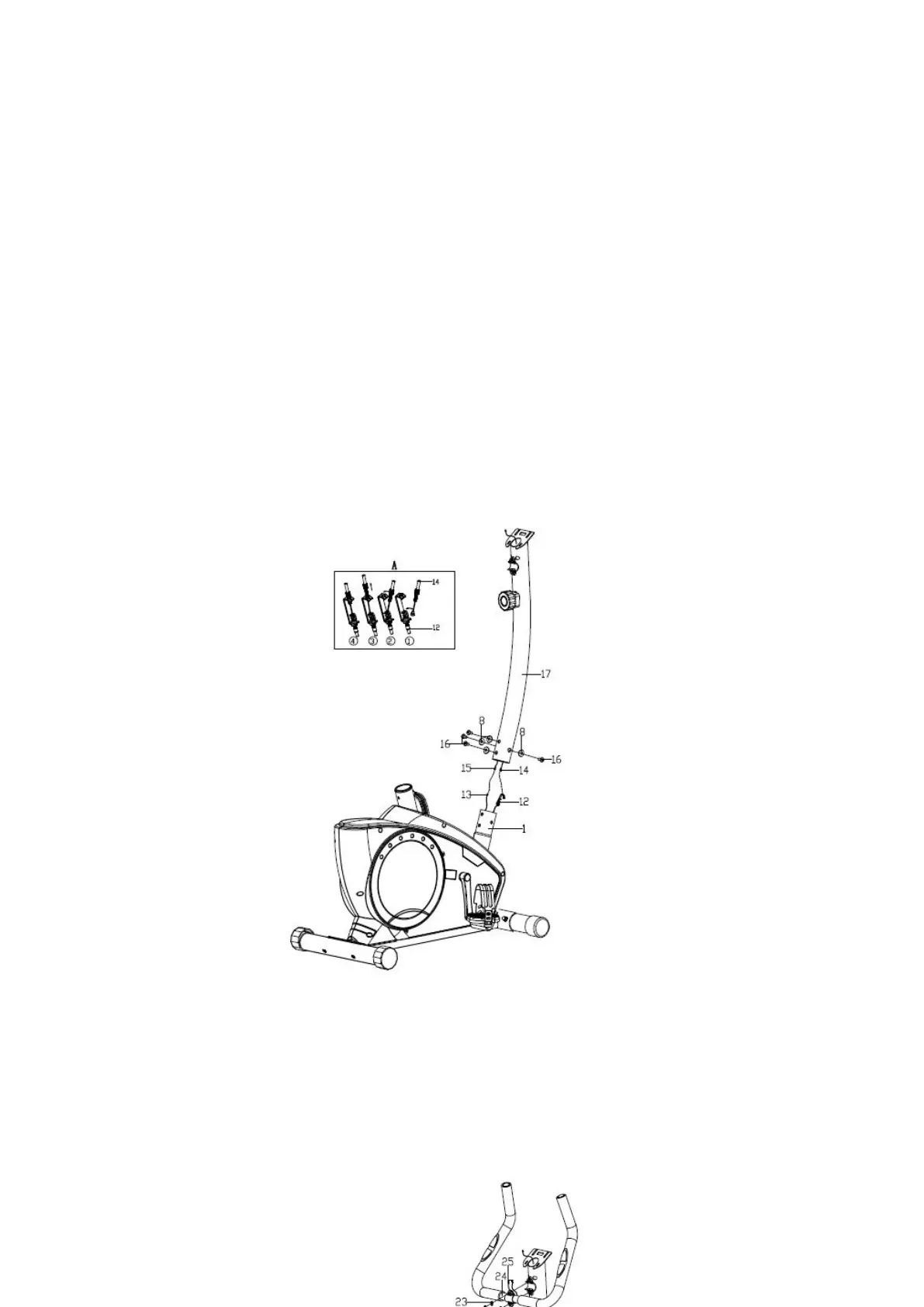
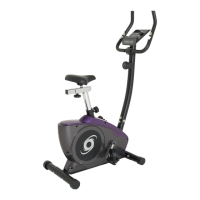
While another person holds the upright post (17) near the main frame (1), connect the extension wire (15)
to the sensor wire (13). Next, connect the tension controller (14) to the tension control cable (12) (See
drawing A). Do not pinch the wires and cables. Insert the upright post (17) into the main frame (1).
Attach the upright post with four screws (16) and four arc washer (8).
STEP 4
Pull the handlebar wire (25) out of the hole of upright post (17), then put the handlebar (24) onto
the upright post (17) by using flat washer (23) and inner hex bolt (21) & spring washer (22), and
then cover with the handlebar chuck cover (20).


 To Next Page