STEP 5
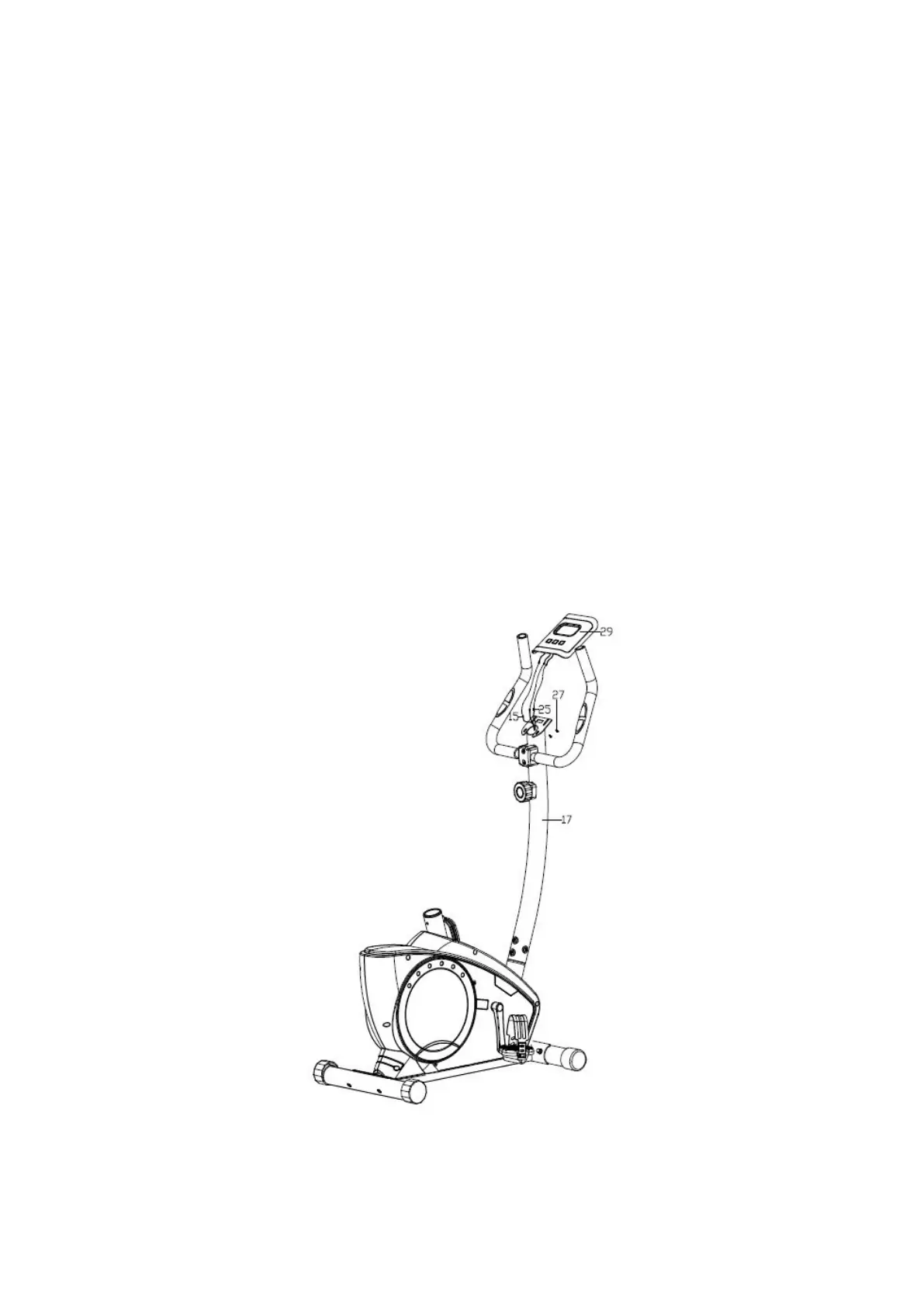
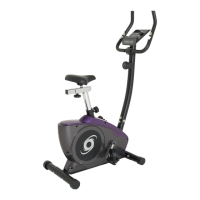
Connect the handlebar wire (25) and the extended wire (15) to the wires of the computer (29),
then attach the computer (29) onto the computer bracket of the upright post (17) with the screw
(27).
STEP 6
Assemble the horizontal post (36) to the saddle post (31), and fasten it by the flat washer (33) &
knob nut (32), and then insert the saddle (37) to the post of the horizontal post(36) and fasten
it .


 To Next Page