12
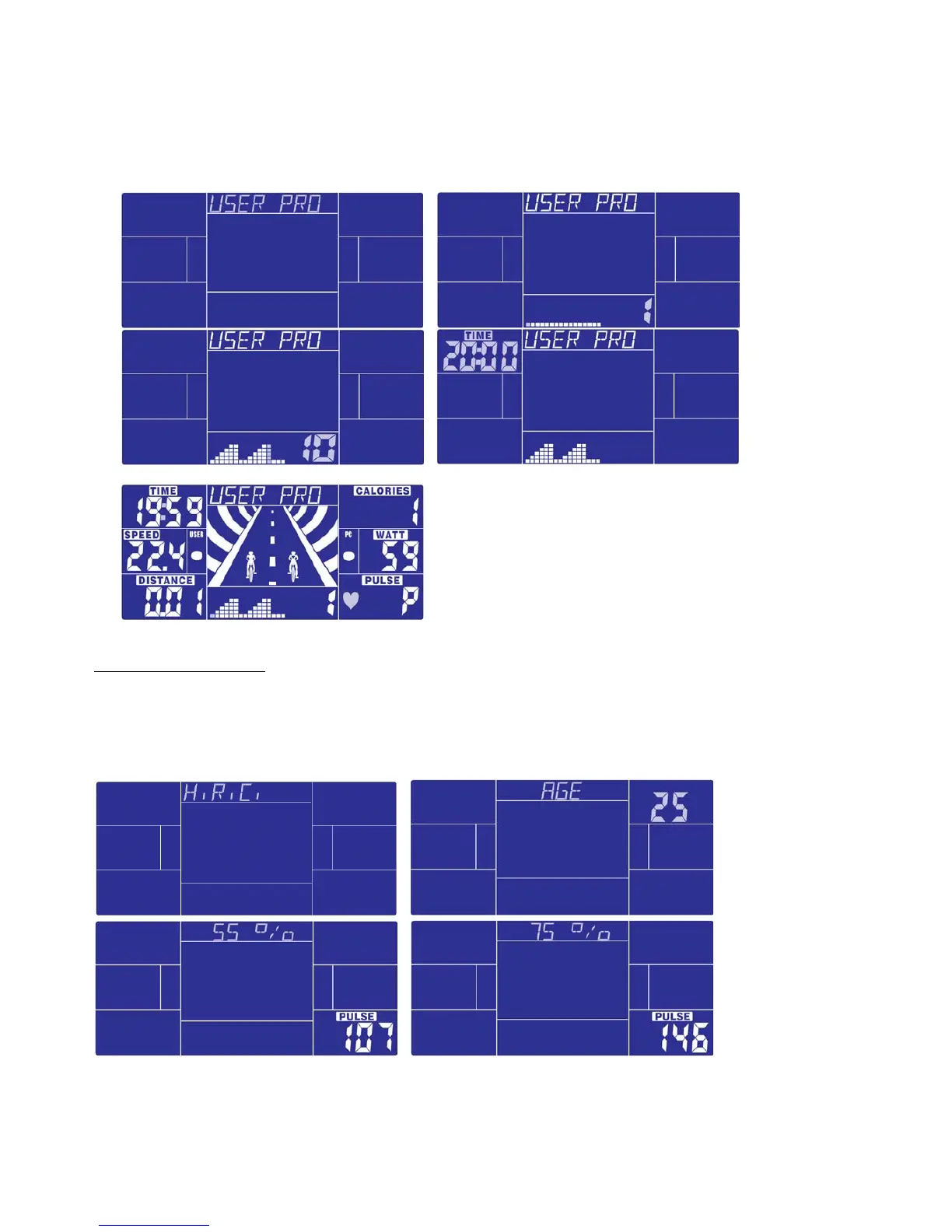
After start, TIME will start counting down; the runway animation will follow user’s RPM input.
User need to follow PC speed by checking below symbols to finish the entire 20 minutes training:
▲ :USER speed > PC RPM – user need to slow down
● :USER speed = PC RPM
▼ :USER speed < PC RPM – user need to speed up
When TIME count down to zero, console will beep for 8 seconds, and display racing result: PC WIN or USER
WIN.
PIC.37 PIC.38
PIC.39
Workout in H.R.C. mode:
In standby mode, select H.R.C. and press MODE to enter.
AGE 25 is flashing after enter H.R.C. mode, you may set your age by turning UP/DOWN button and press MODE.
The monitor will calculate preset heart rate value automatically according to your age setting. Screen will show
heart rate percentage 55%, 75%, 90% and TARGET. You may select heart rate percentage by
UP/DOWN/ENTER button for training.
If there is no HR input for 5 seconds, LCD will display “NEED H.R.” until HR signal input.


 To Next Page