(4) MANUAL –
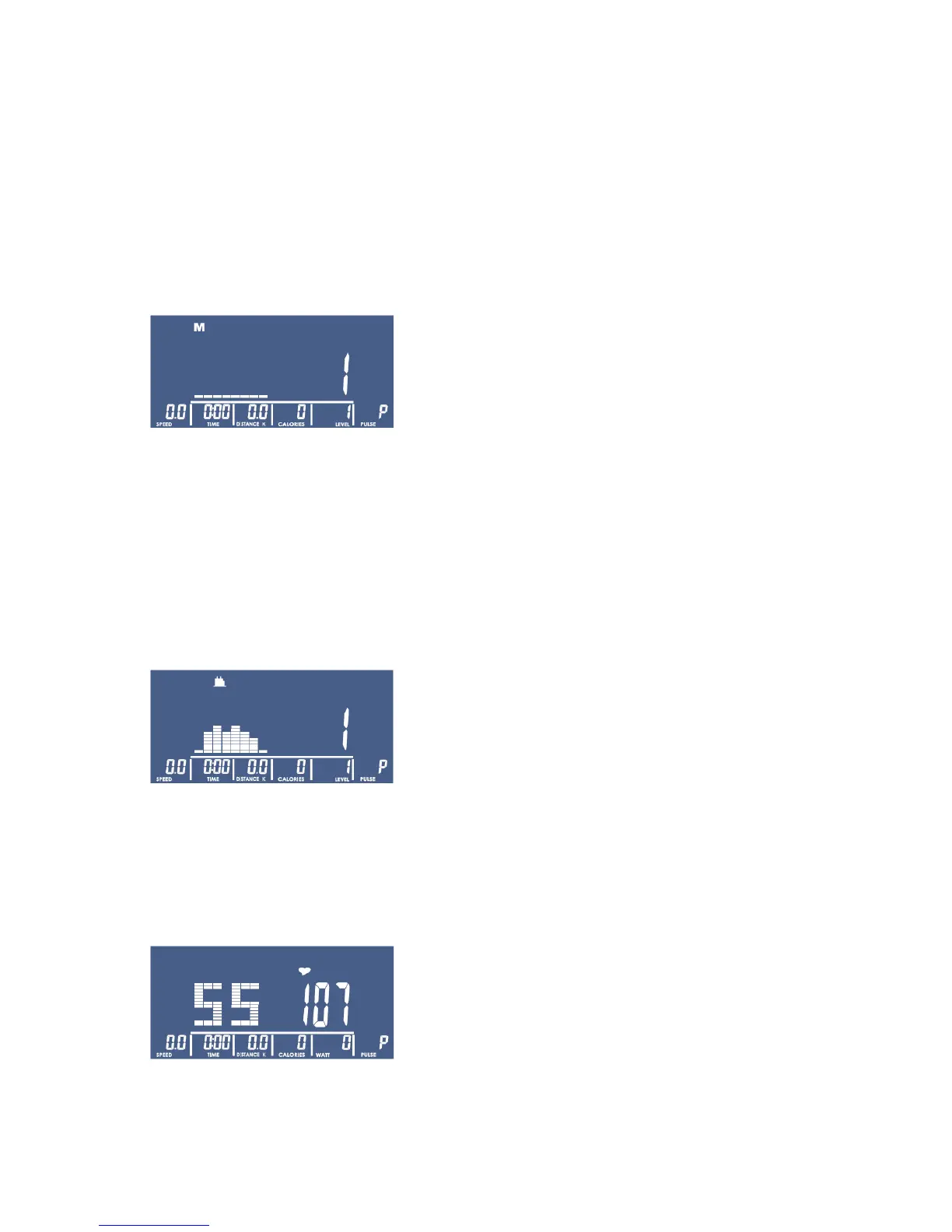
4-1 Use ▲ or ▼ key to adjust the LEVEL; press the MODE key for confirmation. Manual value also can be
adjusted under the START mode; LEVEL text and number will be displaying on LCD. LCD will switch to
display the WATT value if no adjustment is accrued after 3 seconds.
4-2 Use ▲ or ▼ key to preset values for TIME, DISTANCE, CALORIES and PULSE. Press the MODE key for
confirmation.
4-3 Press the START key to start exercising. RPM BAR and PULSE BAR will change values accordingly. Press
the STOP key to pause exercise (with all values remaining on screen). Press the PRSET key to return to
PROGRAM SELECT.
(5) PROGRAM –
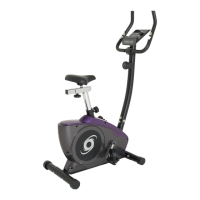
5-1 Use ▲ or ▼ key to select P1~P12. LCD will display corresponding flashing garphic to the program user
selects.
5-2 When PROGRAM is selected, use ▲ or ▼ key to preset LEVEL. Press the MODE key after value’s
determined. Follow use ▲ or ▼ key to preset TIME; press the START key to start workout.
5-3 LEVEL can be adjusted during exercise. LEVEL text and number will be displaying on LCD. LCD will
switch to display the WATT value if no adjustment is accrued after 3 seconds.
(6) H.R.C. –
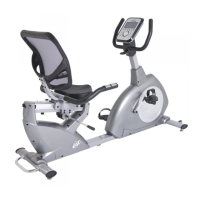
Use ▲ or ▼ key to select 55%, 75%, 90% or TARGET. The heart rate value will be calculated according to the
AGE user inputs and will be shown in the alphanumeric column in flashing text. Use ▲ or ▼ key to preset
TARGET value (30~230). Press the MODE key for confirmation. Use ▲ or ▼ key to preset TIME; press the
START key to start exercise.



 To Next Page