10
CLEANING THE PRE-FILTER
CLEANING THE TRUMAN COLLECTOR CELL
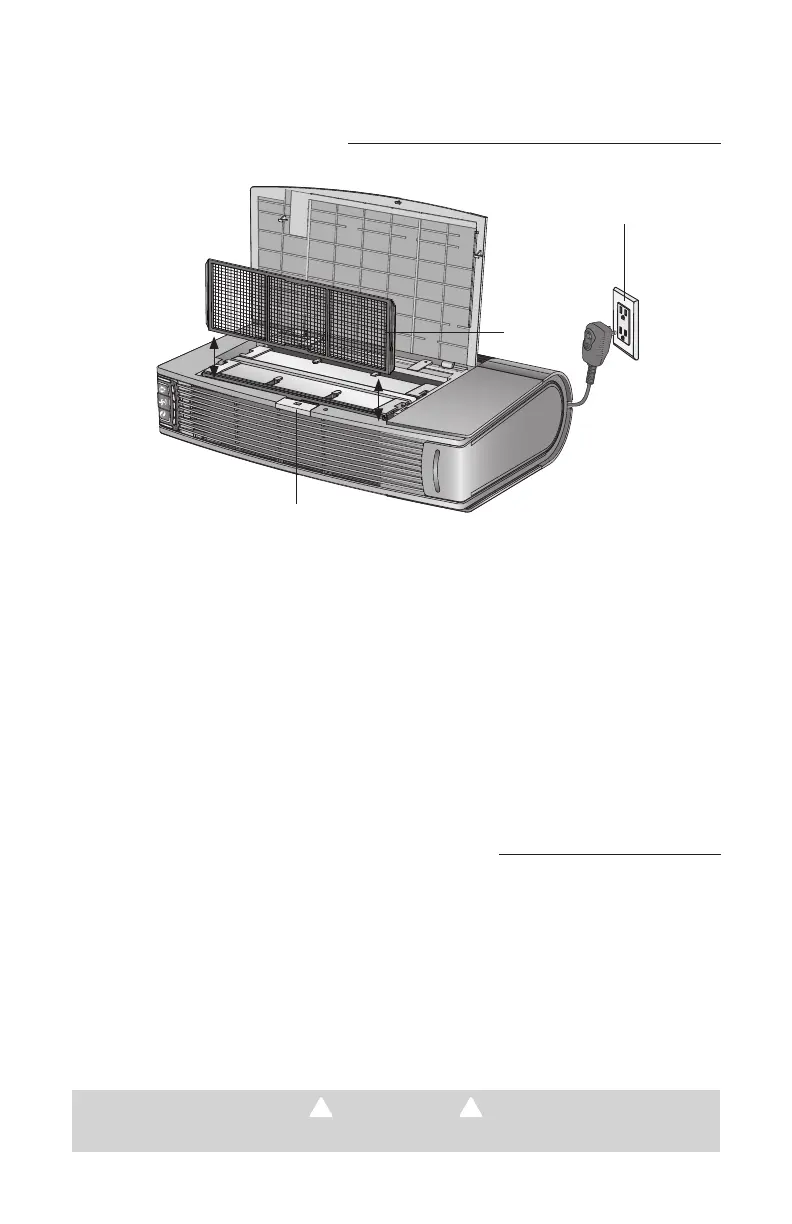
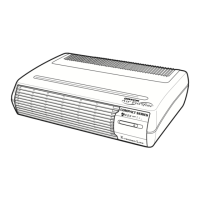
1. Unplug the air purifier and lay it on its side with the hinged cover on top.
2. Open the Top Cover by pressing the Cover Release button.
3. Pull the Pre-Filter straight up and out of the Cabinet.
4. Thoroughly rinse the Pre-Filter and let it air dry before placing it back in the Cabinet. Do
not use heated or compressed air as part of the drying process.
5. Slide the Pre-Filter back into the unit.
6. Close the Top Cover securely.
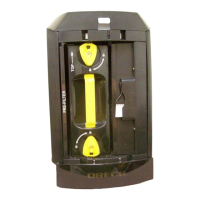
1. Unplug the air purifier and lay it on its side with the hinged cover on top.
2. Open the Top Cover by pressing the Cover Release button.
3. Remove the collector cell by pulling up on the handle (located across the top of the Truman Cell).
Lift the collector cell straight up and out.
1
2
3
Note: The Truman Cell may require more frequent cleaning if “arcing” occurs. Arcing is a
sharp snapping sound that occurs when large particles are collected in the Truman Cell. If
prolonged or continuous arcing occurs the Truman Cell should be cleaned.
TO REDUCE THE RISK OF ELECTRIC SHOCK— UNPLUG BEFORE CLEANING OR SERVICING
WARNING!


 To Next Page