Device Binding and Unbinding Instructions
1. Owner/Administrator Binding
The first user becomes the owner of the device after binding the device, and a device
has only one owner.
2. Invited Users Joining
The invited user needs to scan the invitation QR code shared by the
owner/administrator to join the device.
The sharing code is time-limited.
After scanning the QR code, invited users need to be confirmed by the
owner/administrator before joining.
3. Device Unbinding
Users can unbind the device when no longer using it.
Owner unbinding can clear all data of himself and all invited users, and all users will
no longer be able to use the device.
The unbinding operation of an invited user only clears all personal data of the invited
user, and other user data is not affected and can still be used.
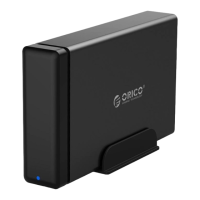
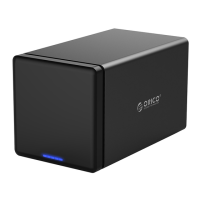
If you confirm the unbinding, please back up the data in CD2510 / CD3510 in
advance.
The data cleared due to unbinding cannot be recovered, please operate with caution.
Device Reset Instructions
If the user needs to reset the device, he/she can perform the reset operation by long
pressing (10 seconds) the reset button (Reset) on the back of the device. This operation
will reset the network settings set by the user, but will not affect the user's storage to data
on the hard disk. Please operate with caution.



 To Next Page