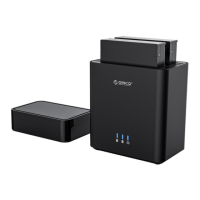
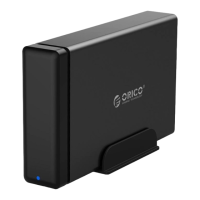
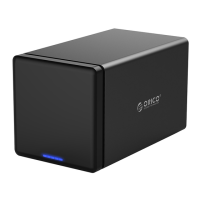
Product Illustration
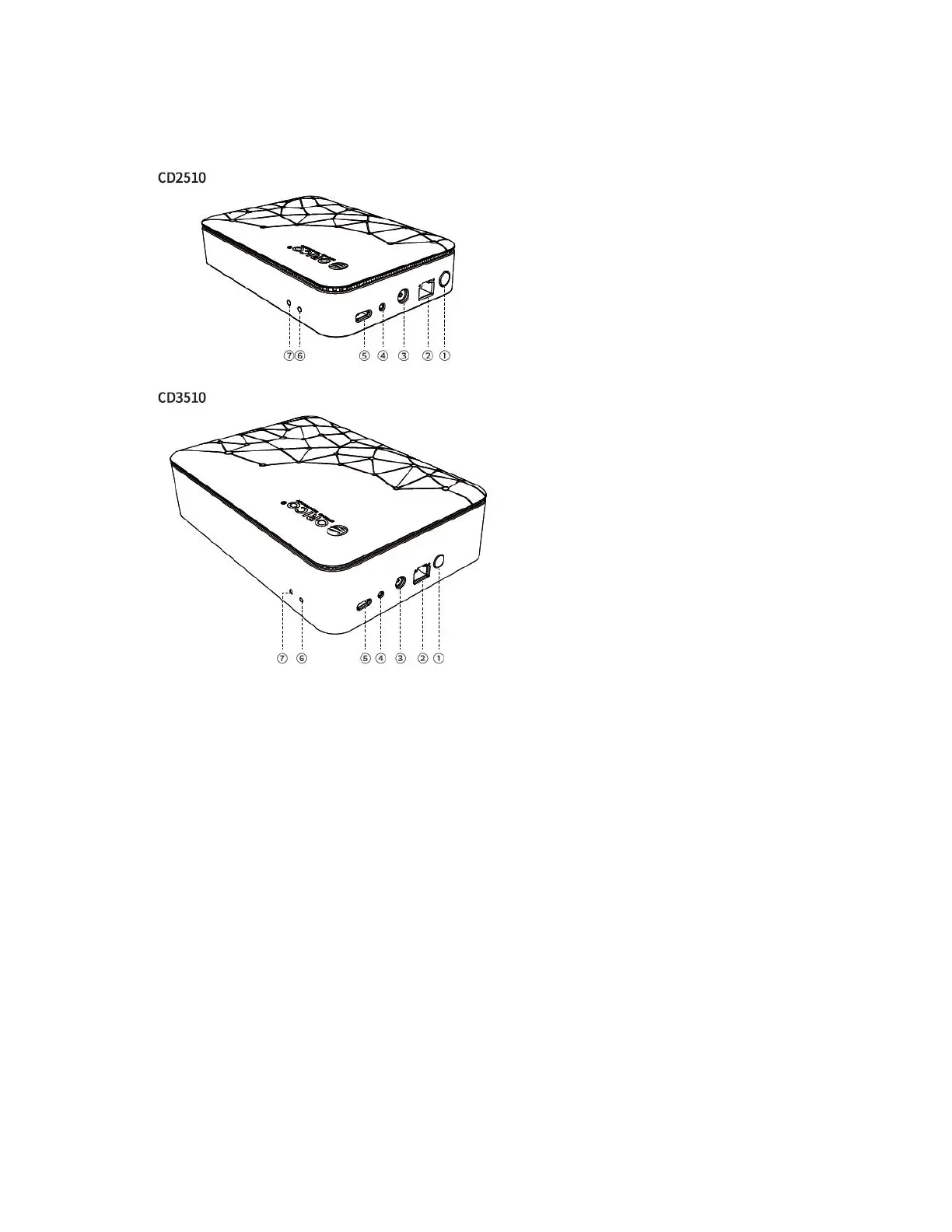
① Power switch button (power on and off)
② LAN network interface (connect the LAN port of the network switch and router)
③ DC IN 12V (power supply port)
④ RESET button (restore factory settings)
⑤ USB 3.2 Gen 1 Type-C interface (There are two modes of use: Directly connected to
the PC through the data cable and used as a portable hard disk. Directly connect external
USB disks, portable hard disks, and disk cabinets to expand NAS storage space.)
⑥ System status indicator (shows the working status of system and network)
⑦ Disk indicator (Shows the working status of hard disk)



 To Next Page