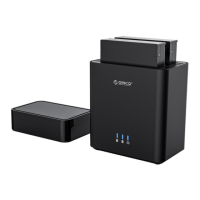
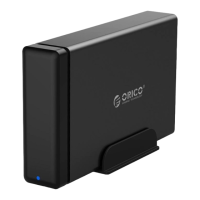
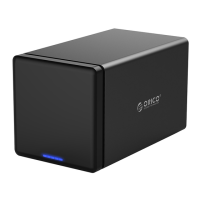
Device Connection-NAS Network Mode
NAS Network Mode
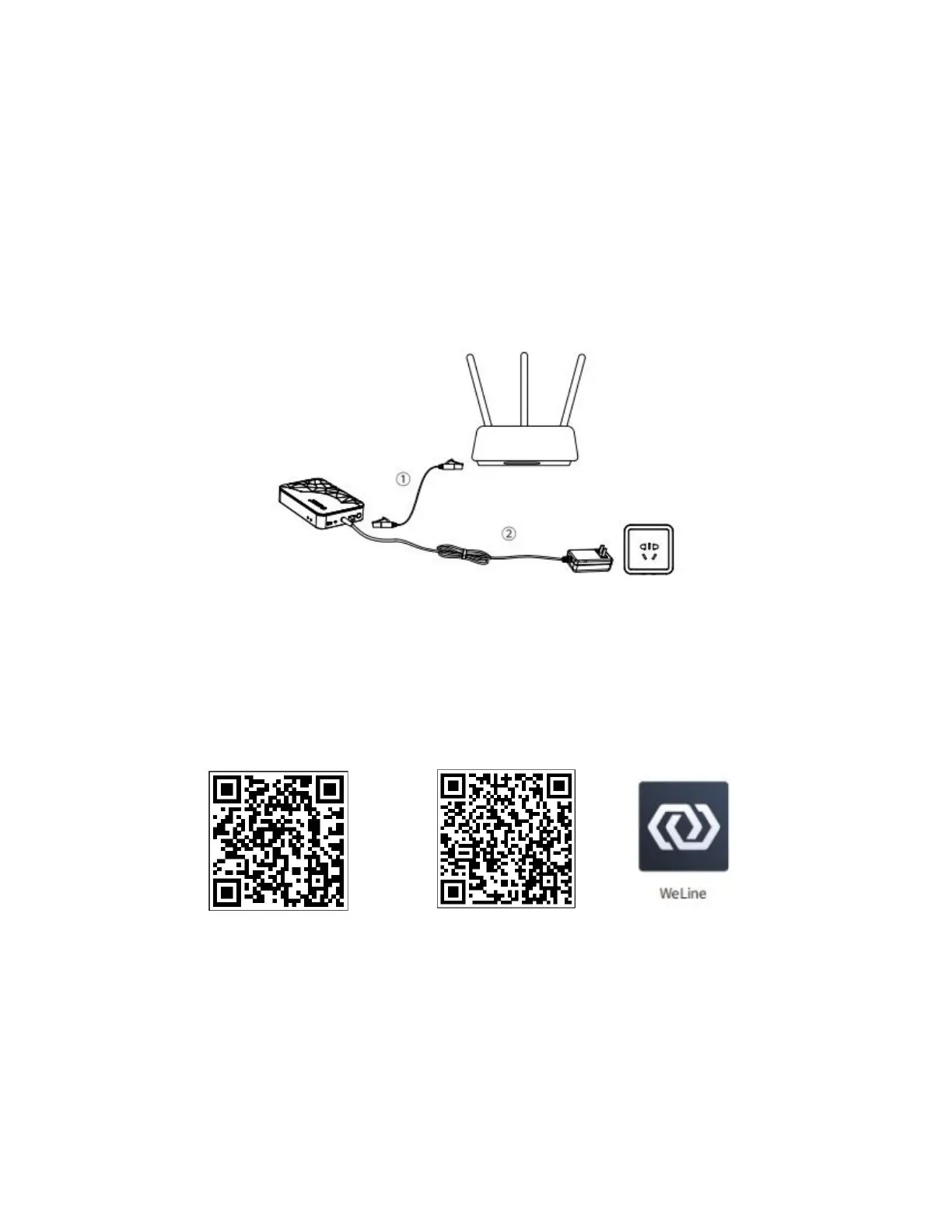
1. Use the network cable, connect one end to the network port of the CD2510 / CD3510,
and the other end to the router LAN port.
2. Use the power adapter, connect one end to the power port of the CD2510 / CD3510,
and the other end to the power socket. After the power supply is connected, the default
system automatically powers on.
Client Download and Installation
Mobile Client
Please scan the “Weline” QR code below to download and install the APP. iOS users can
search for “Weline” in the Apple App Store.
Android iOS
Windows, Mac PC and Smart TV Client
Please open your browser and enter the website address to download and install it:
https://welinecn.com/download.html



 To Next Page