12
Operations
Operations
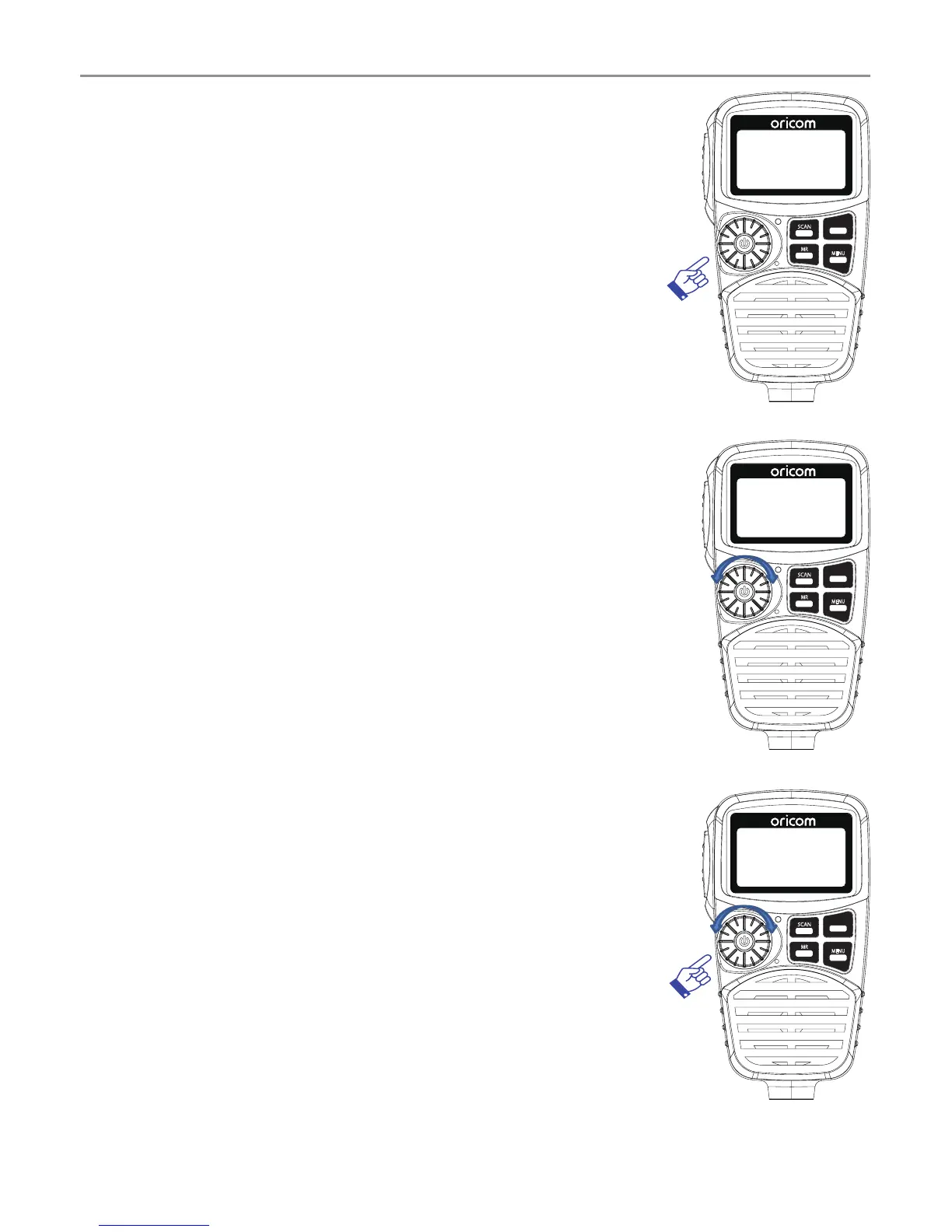
Turning on the Power
Press and hold the channel selector.
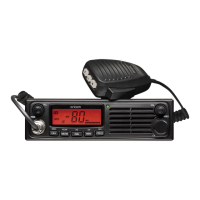
Setting the Volume
Rotate the channel selector clockwise to adjust
the sound level for comfortable reception.
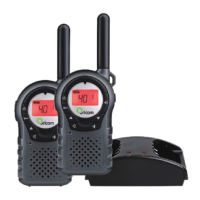
Selecting a channel
Press channel selector once. "CH" will appear
on the LCD.
Select the channel by rotating the channel
selector, Clockwise Channel UP, anti-clockwise
Channel DOWN.
SCAN
RM
MR
MW
SWP
SRX
MENU
GTS
SCAN
RM
MR
MW
SWP
SRX
MENU
GTS
SCAN
RM
MR
MW
SWP
SRX
MENU
GTS



 To Next Page