18
Operations
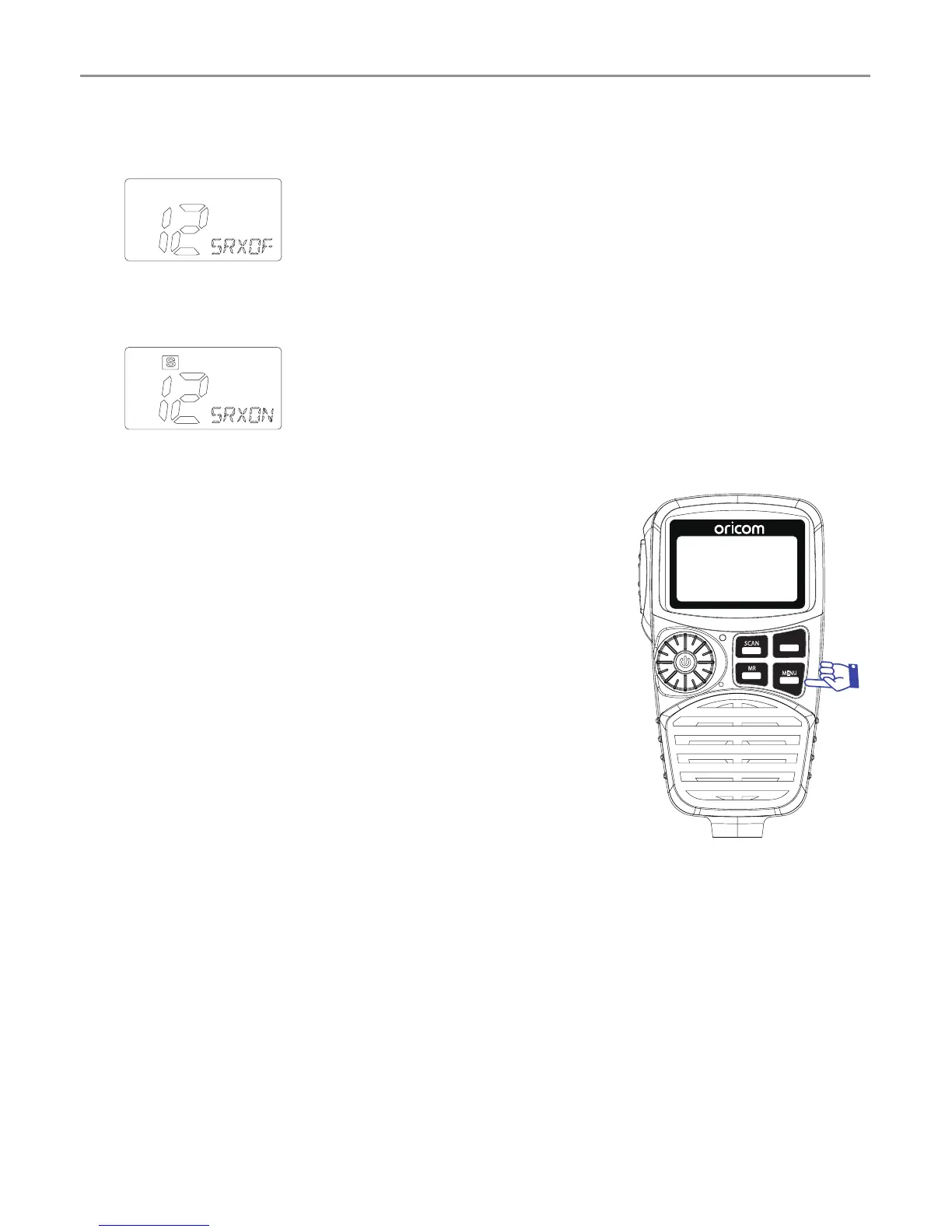
SRX On/Off
Press and hold SWP/SRX button to turn SWP/SRX off.
To return to Dual RX mode, press and hold the SRX button for
2 seconds.
Menu list
*
Press MENU/GTS button to access menu.
*
Use the channel selector to change the value of
each setting.
*
If a button is not pressed within 8 seconds
the radio will automatically exit the menu
mode.
*
You can exit the menu at any time by briey
pressing PTT button.
*
Please see below menu modes.
SCAN
RM
MR
MW
SWP
SRX
MENU
GTS



 To Next Page