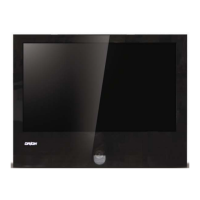
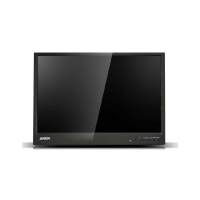
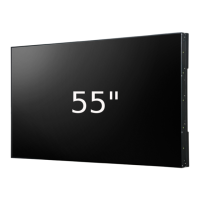
4K LED MONITOR 430LED4K & 550LED4K
5
ONTROLS & SETTINGS 2.
Controls: 2.1.
Control key board: 2.1.1.
1. “Source” Use this to select an input source or an item
2. “Menu” Use this to select an menu or exit an item.
3. “◀ ” Use this to move left on the on-screen menu
4. “ ▶” Use this to move right on the on-screen menu.
5. “ ” Use this to move up on the on-screen menu.
6. “ ” Use this to move down on the on-screen menu.
7. “Power” Use this switch to turn on /off the monitor
Source:
Choose the signal source “D0 DP, D1 HDMI, D2 HDMI, D3 HDMI, D4 HDMI”.
Menu:
Choose this button to display the OSD Menu.
◀ : Press this key to move left on the on-screen menu and enter the volume adjustment :
▶: Press this key to move right on the on-screen menu and enter the backlight control :
Power:
Press the power button to open or close the display
Indicator Status
Lit (No) Power off
Lit (Green) Power on
Blinking (Red) Power saving mode
4K LED OSD MENU CONTROLS 2.2.
REGION ADJUST 2.2.1.


 To Next Page