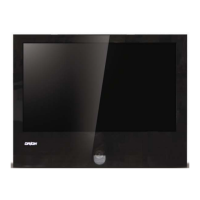
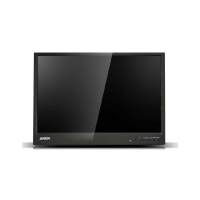
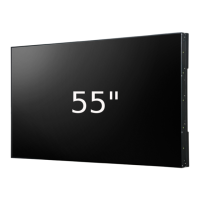
4K LED MONITOR 430LED4K & 550LED4K
9
Select which region to edit
Select the display channel
Enter into four spiting pictures, left top, right top, left bottom, right bottom.
Select the left top display area.
Select the left low display area.
Select the right top display area.
Select the right low display area.
D0 DP, D1 HDMI, D2 HDMI, D3 HDMI, D4 HDMI, AUTO.
D0 DP, D1 HDMI, D2 HDMI, D3 HDMI, D4 HDMI.
D0 DP, D1 HDMI, D2 HDMI, D3 HDMI, D4 HDMI.
D0 DP, D1 HDMI, D2 HDMI, D3 HDMI, D4 HDMI.
Choose audio input of the left top diplay.
Choose audio input of the left low diplay.
Choose audio input of the right top diplay.
Choose audio input of the right low diplay.
Choose the setting of display function.
Adjust the setting of Audio.
Adjust the setting of OSD Menu.
Accelerate the panel response time .
Restore to factory settings
Adjust the brightness of back light from “0-100”.
To open or close low blue function.
Adjust the sharpness parameters according to ambient light from “0-4”.
Choose Full, 1:1, 16:9 or 4:3 display.


 To Next Page