10
WIRELESS AUTODIAL HOME ALARM SYSTEM AM2000
PROFESSIONAL
SECURITY SYSTEM
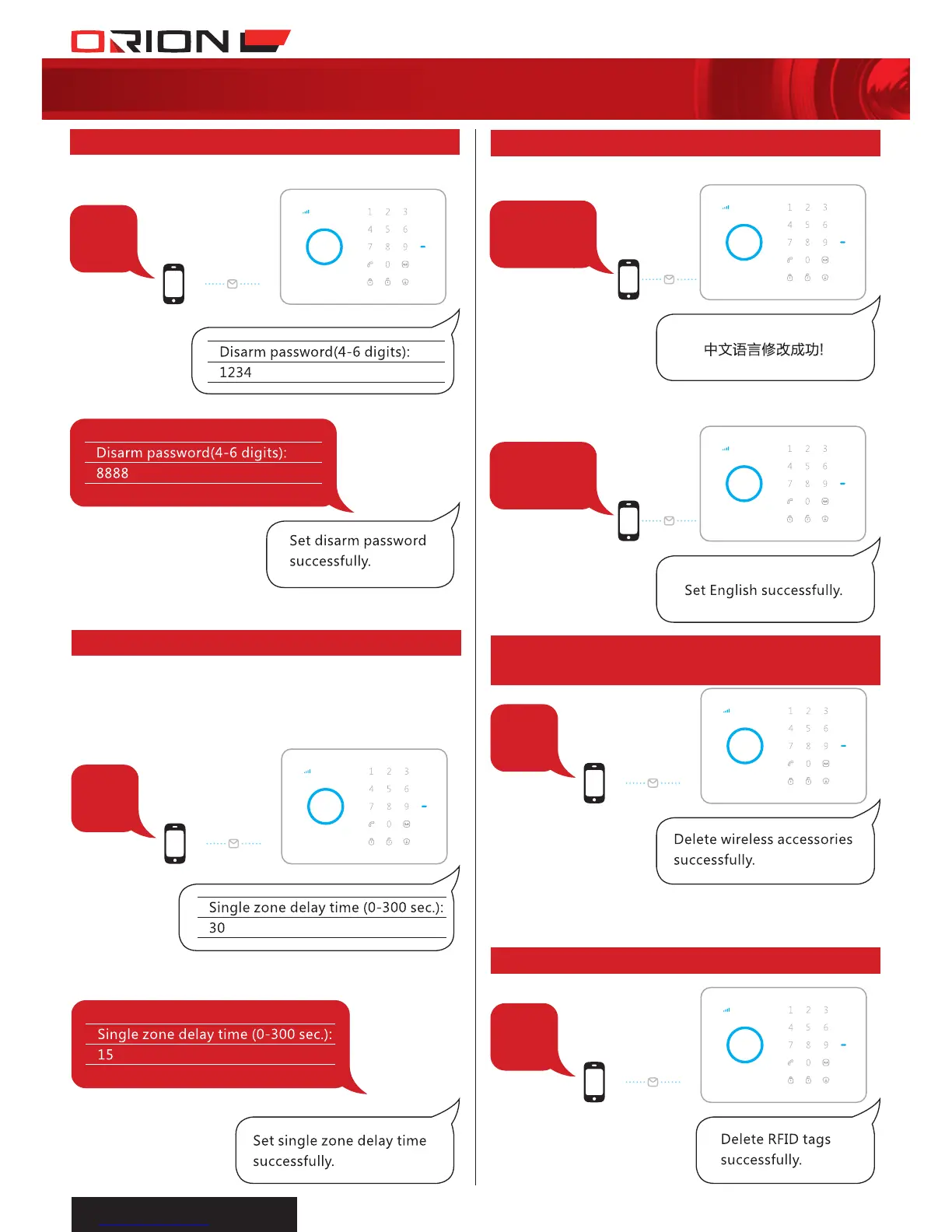
Send:
22
2.31 DELETE RFID TAGS BY SMS
Send:
Or press Tamper Switch 3 times within 3 sec.,
accessories will be cleared after two beeps.
21
2.30 DELETE WIRELESS
ACCESSORIES BY SMS
14
0086
0001
When a sensor which is set to Single Zone
Delay mode detects intruder, alarm panel will
only trigger alarm after this delay time.
Send:
Forward > Edit
Send: 0086 to change language to Chinese
Send: 0001 to change language to English
13
Send:
Forward > Edit
2.27 CHANGE DISARM PASSWORD
2.28 SINGLE ZONE DELAY TIME
2.29 CHANGE SYSTEM LANGUAGE
NOTE:
It is recommended to change alarm panel password
immediately after installation.


 To Next Page