5
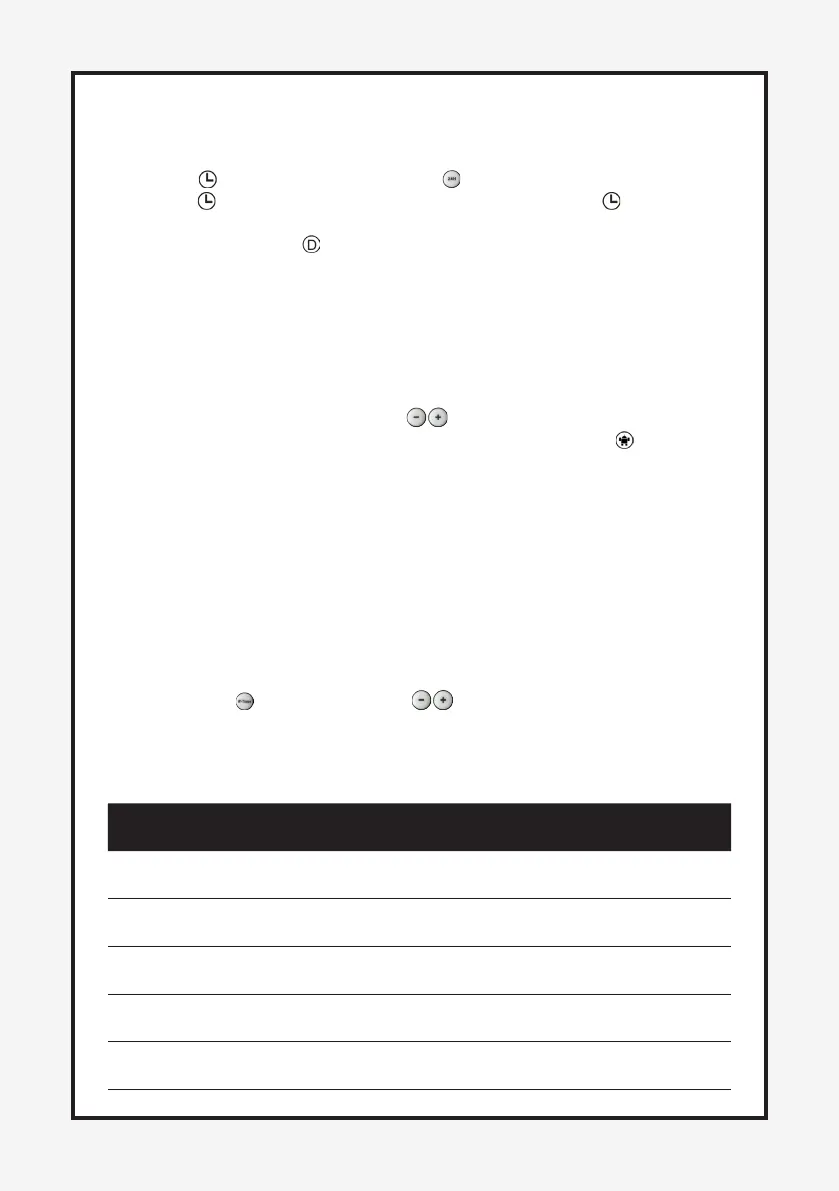
3) 24H Timer FUNCTION
1. Open the appliance as working condions,(fan,warm,hot are all ok).Control
panel “ ” buon and remote control “ ” buon are same operate way.
2. Press “ ” buon ,set the mer up to 24 hours,keep press “ ” buon to
increase the hours from 00--24(00=close,01=1hour,02=2 hours...24=24
hours ect.) and the “ ” light is on.
PS: set as “00” means no set mer ,the “” light is o.
4) THERMOSTAT INSTRUCTIONS
1. Open the appliance as working condions,(fan,warm,hot are all ok).This
funcon only through by Remote control.
2. To adjust temperature, press the “ ” to set the desired temperature and
the temperature set from 10
O
to 49
O
with the control panel “ ” light on.
3. When the air temperature drops 2 degree below the set temperature,the
heater will start heang with ”I/W”(1000W).
4. When the air temperature drops 4 degree below the set temperature ,the
heater will start heang with”II/H”(2000W).
5. When the air temperature high 1 degree or ≤ the set temperature,the
heater will blow the cold air .
5) Week Timer FUNCTION
1. Open the appliance as working condions,(fan,warm,hot are all ok).This
funcon only through by Remote control.
2. Frist press “ ” buon,then press “ ” two buons select which model
you want.This funcon have 6 models, P1-P5 is smart model,
appliance have own schedule,pls check the details as below:
Week/
Model
Mo TU WE TH FR SA FR
P1 8:00-
17:00
8:00-
17:00
8:00-
17:00
8:00-
17:00
8:00-
17:00
8:00-
17:00
8:00-
17:00
P2 18:00-
07:00
18:00-
07:00
18:00-
07:00
18:00-
07:00
18:00-
07:00
18:00-
07:00
18:00-
07:00
P3 8:00-
17:00
8:00-
17:00
8:00-
17:00
8:00-
17:00
8:00-
17:00
8:00-
17:00
8:00-
17:00
P4 18:00-
07:00
18:00-
07:00
18:00-
07:00
18:00-
07:00
18:00-
07:00
OFF OFF
P5 OFF OFF OFF OFF OFF 00:00-
24:00
00:00-
24:00


 To Next Page