Date Name Author(s) Rev Language Page
11/05/12 Settings_and_user_manual _Orpheo_TG TF 6 English 12/24
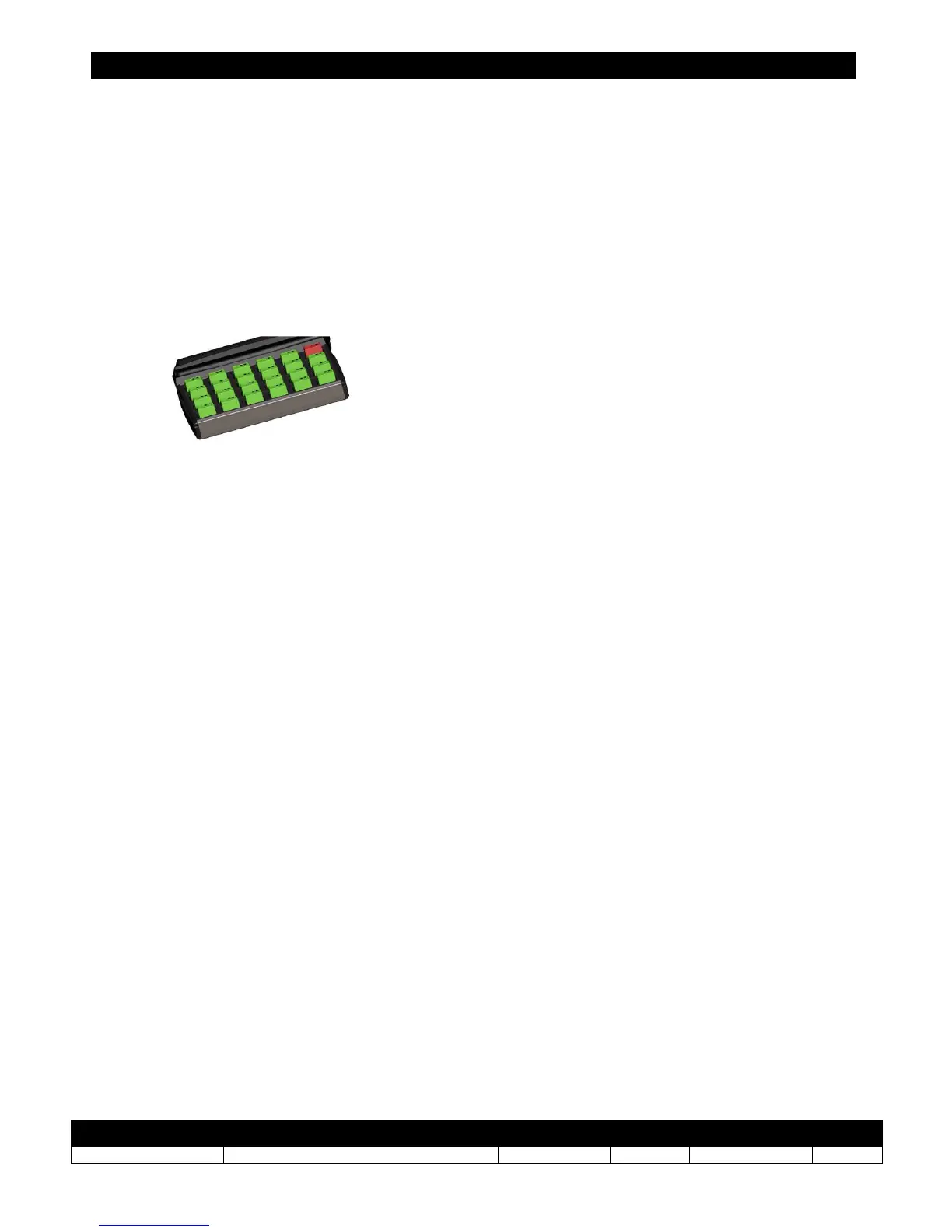
To switch the device into “configuration transfer mode”:
- take a device already in transmitter mode
- press the [MENU] button twice. When this mode is selected, a yellow arrow will be
displayed on the screen inviting the user to insert the device in the master slot of the
charging rack (top right of the charging rack).



 To Next Page