Date Name Author(s) Rev Language Page
11/05/12 Settings_and_user_manual _Orpheo_TG TF 6 English 15/24
Charging the Batteries
To recharge the battery of an
Orpheo TourGuide
device, insert it into an available slot in the
charging rack. If it is properly connected and the charging rack is supplied to a power
source, then the LED of the
Orpheo TourGuide
will switch on.
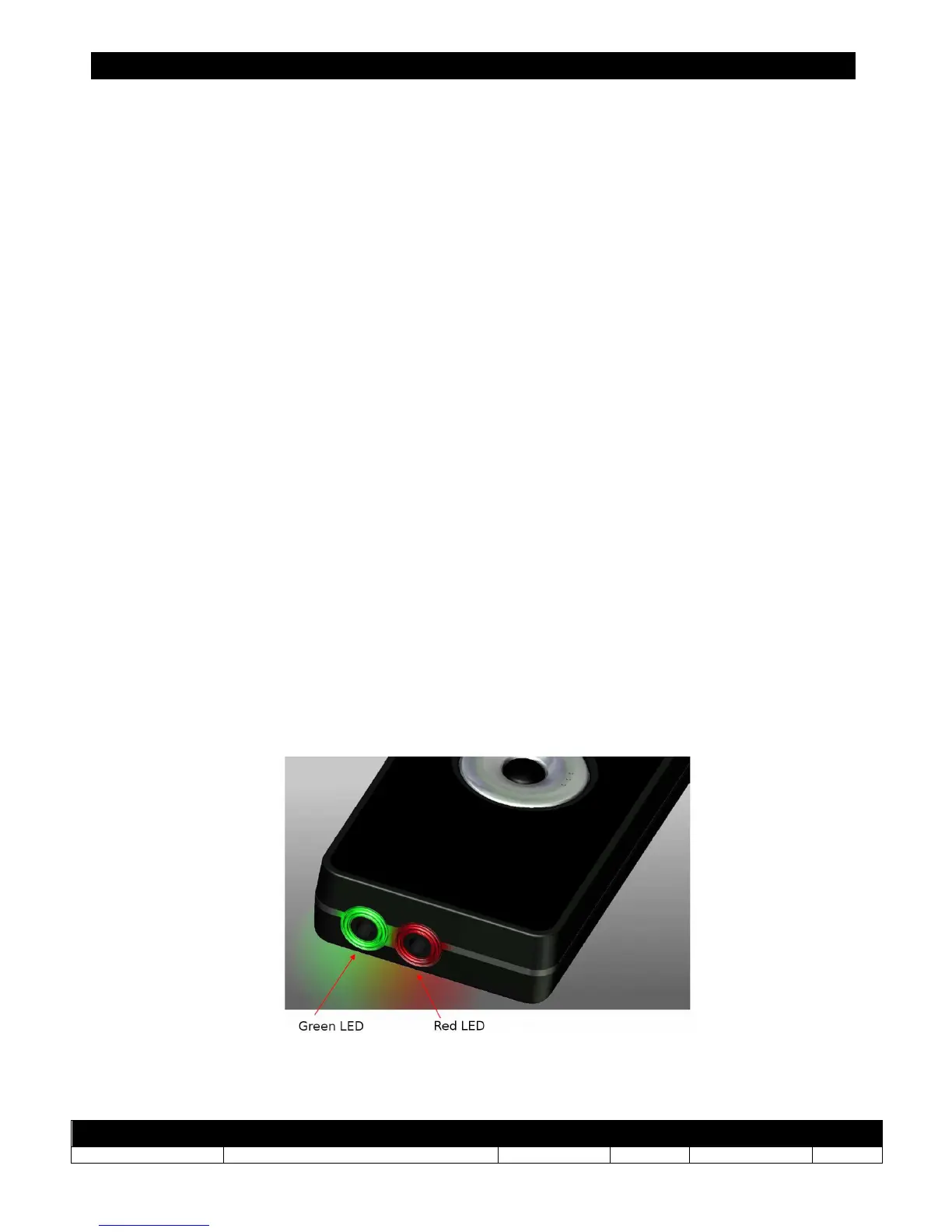
When the red LED on a device is solid, this means that the Orpheo Tour Guide is well
connected to the power supply and the battery is in the process of analysis. This phase can
have a duration of 45min if the battery was completely discharged.
When the red LED is blinking, it means that the battery is currently charging.
When the green LED is blinking, it means that the battery is charged at 80% or above. This
step is usually reached after 5 hours.
When the green LED of a device is solid, this means that the battery is fully charged. The
complete charge takes about 6 hours.
If the red LED and green LED are blinking simultaneously, this means the charge is no
tpossible due to the temperature of the device being outside the limits (less than 0°C or
more than 45°C).



 To Next Page