Date Name Author(s) Rev Language Page
11/05/12 Settings_and_user_manual _Orpheo_TG TF 6 English 17/24
Next, start a device in transmitter mode. Choose the desired channel and press the [MENU]
button twice from the main screen. The yellow arrow will be displayed on the screen. Insert
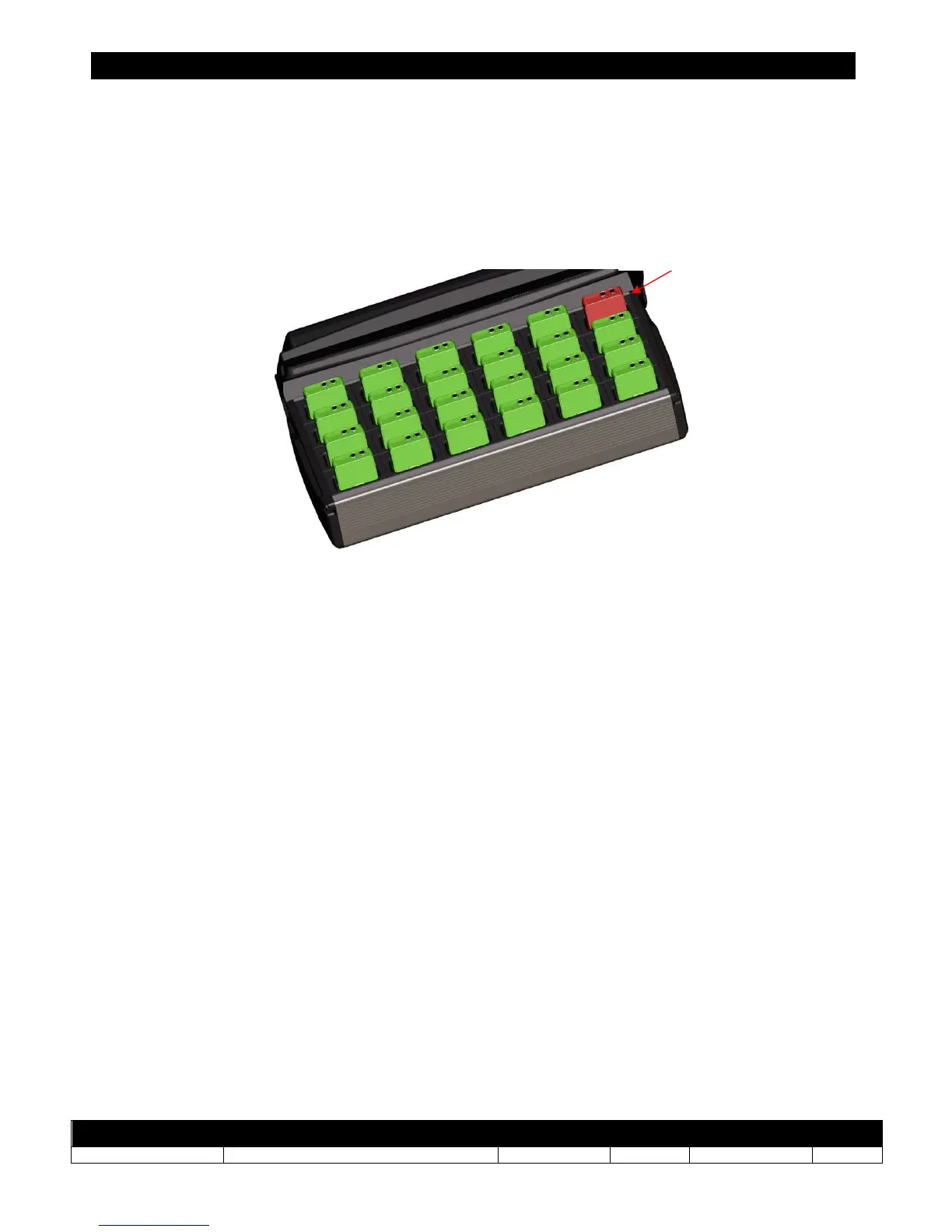
the device (in transmitter mode) into the charging rack in the dedicated slot (
see schema
below
).
(Colors modified for illustration only)
As soon as it is inserted, the device in transmitter mode transfers its channel number to the
devices in receiver mode. A lighted indication (backlight) on each device indicates that the
configuration process has been transferred successfully. The devices which remain switched
off have not received the channel configuration; they must be reconfigured again after
checking first that they are properly connected. The other devices can be disconnected and
used normally. After configuration transfer, the device in transmitters mode can be used
directly as it is after it has been removed from the charging rack.
Master Unit – device
in transmitter mode



 To Next Page