3-3. Audible Alarm
Battery Mode Sounding every 4 seconds
Low Battery Sounding every second
Overload Sounding twice every second
Fault Continuously sounding
Bypass Mode Sounding every 10 seconds
3-4. LCD display wordings index
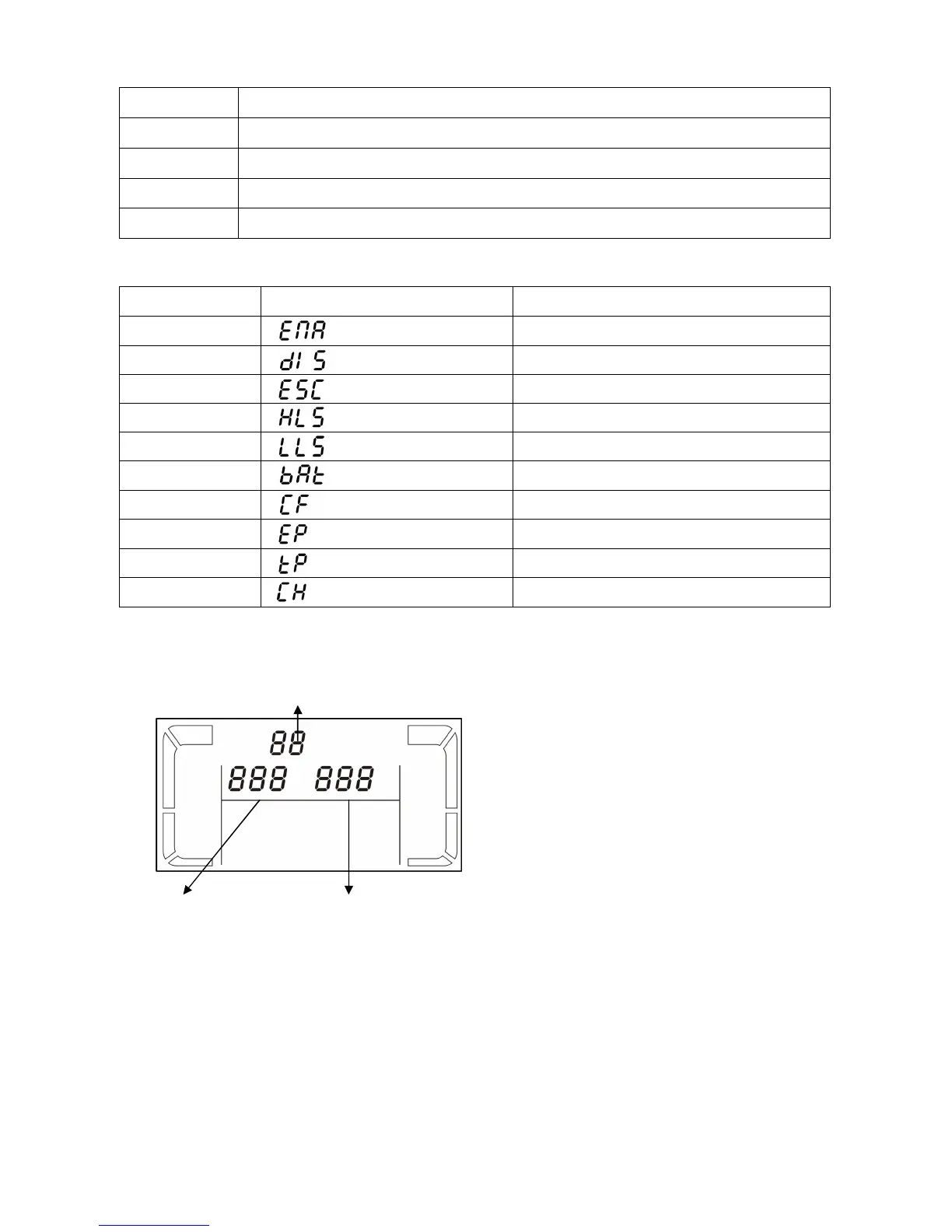
Abbreviation Display content Meaning
ENA
Enable
DIS
Disable
ESC
Escape
HLS
High loss
LLS
Low loss
BAT
Battery
CF
Converter
EP
EPO
TP
Temperature
CH
Charger
3-5. UPS Setting
There are three parameters to set up the
UPS.
Parameter 1: It’s for program
alternatives. There are 10 programs to set
up. Refer to below table.
Parameter 2 and parameter 3 are the
setting options or values for each
program.
Parameter 1
Parameter 2



 To Next Page