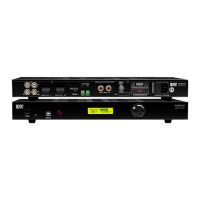
RS-232 CONTROL
The NERO MAX 12 provides an RS-232 serial port connection located on the back panel
and uses a USB-to-Serial Comm cable connection. The NERO MAX 12 supports bi-
directional RS-232 communication with third party automation system. All keypads and
remote-control operations can be controlled via RS-232 in addition to system expansion
up to 18 zones or 3 NERO MAX 12 units linked together using the included 18 pin
expansion cable.
Note: Set the switch to RS-232 position
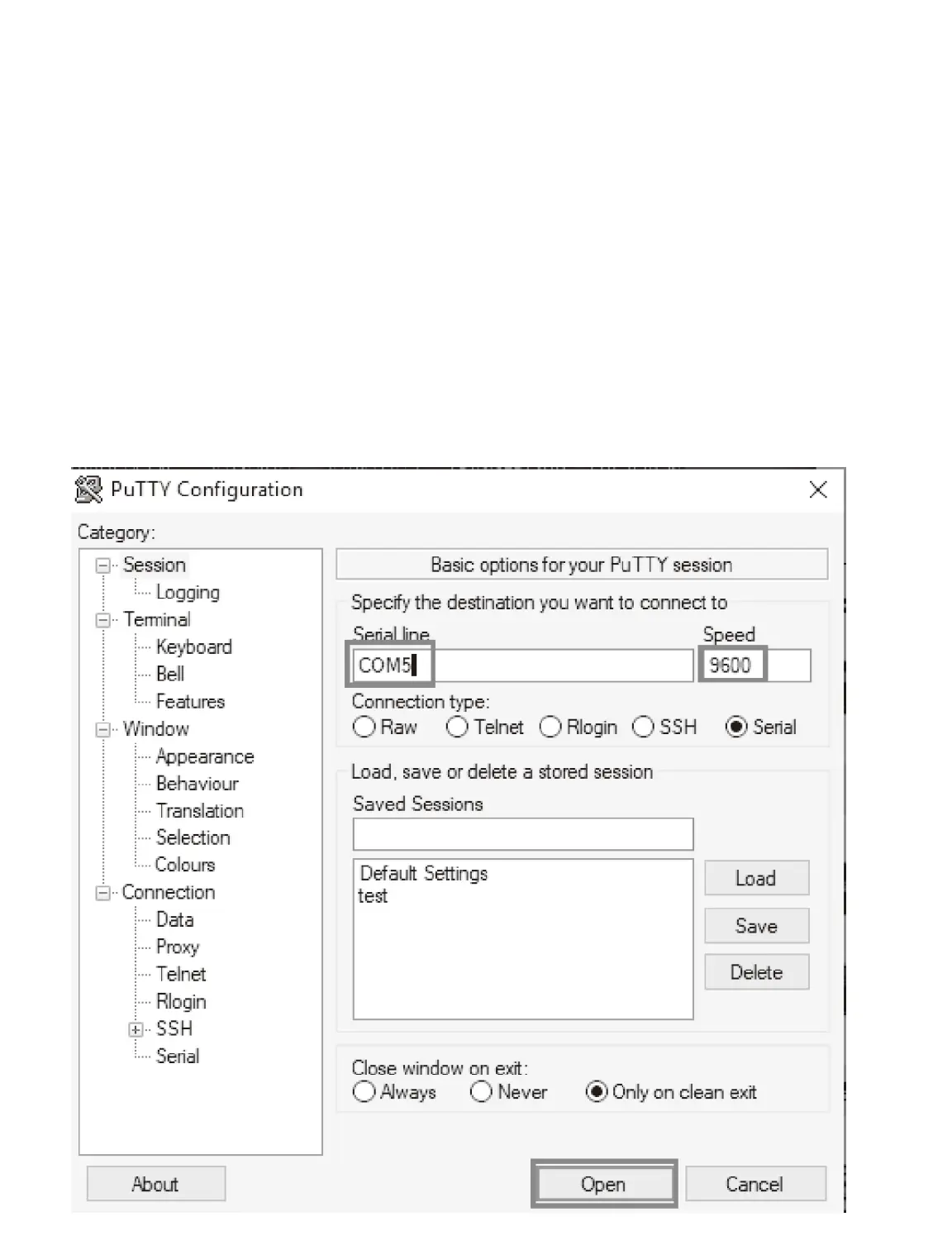
Baud Rate 9600, 8, N, 1 DB9 Connector Pin out, TX, RX GND
Using free software “PuTTY” Tool to controlthe device. Operation diagram below


 To Next Page