3
• To reduce the risk of re or electrical shock, do not expose the product to rain or moisture.
• The product should not be exposed to any dripping or splashing liquid.
• Objects lled with liquids, such as vases, should not be placed on the product.
• Keep the remote control battery away from children. Dispose of used battery promptly,
replace only with a battery of the correct type.
• Protect the power cord from damage. Do not pull push the power cord excessively, and take
care not to let the power cord become pinched, particularly at or near the plug.
• Keep the product away from heat sources such as heat registers, stoves or other appliances
that produce heat.
• Avoid direct sunshine and covering vents. Do not operate in a sealed box and be sure to
have enough room for heat exchange.
• Avoid opening the cover. Do not open the cover, or touch the inner parts, refer servicing to
our customer service.
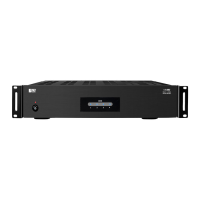
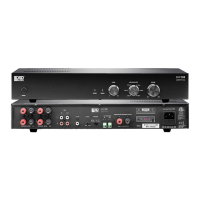
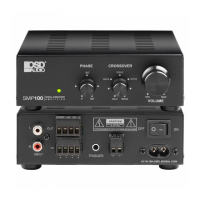
SAFETY INSTRUCTIONS AMPLIFIER FEATURES
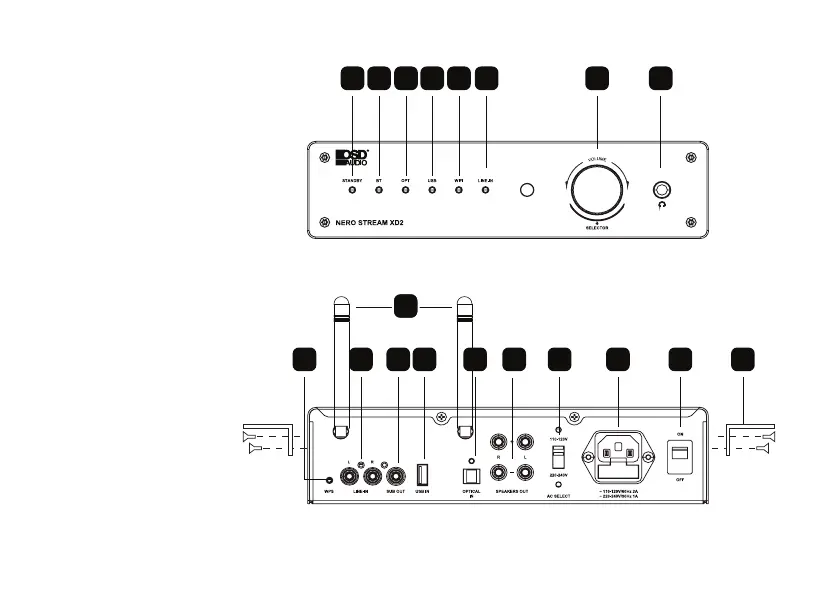
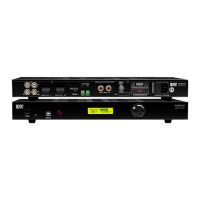
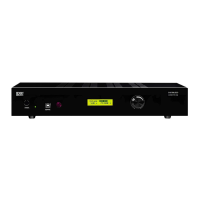
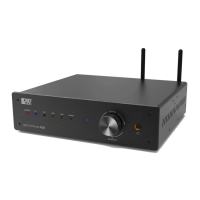
1. Power Indicator
2. Bluetooth
®
Indicator
3. OPT Indicator
4. USB Indicator
5. Wi-Fi
®
Indicator
6. Line In Indicator
7. Volume Knob/Input Selector
8. Head Phone Jack
9. Antenna
10. WPS
11. Line In
12. SUB Out
13. USB In
14. Optical Input
15. Speaker Outputs -L/R
16. Voltage Switch
17. Power Input
18. On/O Switch
19. Optional TV/Wall Mount Brackets
71 2 3
4
5
6 8
15
9
16
1110 12
13
17 18 1
9
14
NERO STREAM XD2 MANUAL R1.indd 2-3 2/3/21 1:01 PM


 To Next Page