11
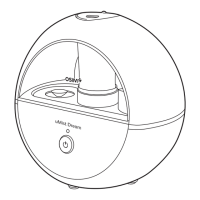
Pairing smart devices with OSIM uAlpine Smart 2
• Ensure that your smart device is connected to a secured 2.4GHz Wi-Fi network.
• Power on the uAlpine Smart 2.
• Download and open the OSIM Well-Being App.
• Register and add your uAlpine Smart 2 by scanning the product QR code.
• Follow the instructions on the OSIM Well-Being App to reset uAlpine Smart 2 Wi-Fi and pair
with uAlpine Smart 2.
OSIM Well-Being App Download
Download the OSIM Well-Being App to enjoy additional product features exclusively through the App.
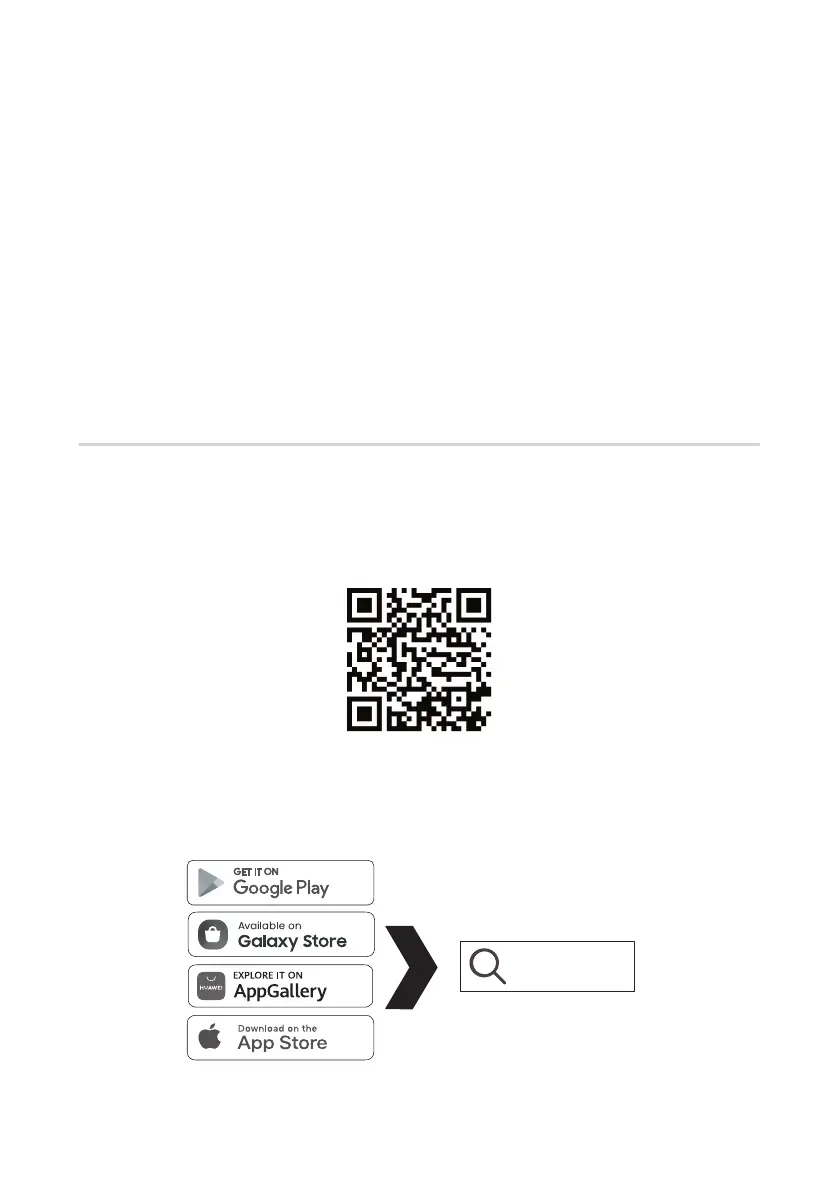
Method 1 :
Scan the QR code below to download and install App for free.
Method 2 :
Go to the respective app stores (depending on your operating system and region), search for
“OSIM Well-Being” to download and install App.
OSIM Well-Being


 To Next Page