Green blinking
The device is connected to the 2G/3G mobile network
and data is being transferred.
Blue solid
The device is registered to the 4G LTE network.
Blue blinking
The device is connected to the 4G LTE network and
data is being transferred.
Installation
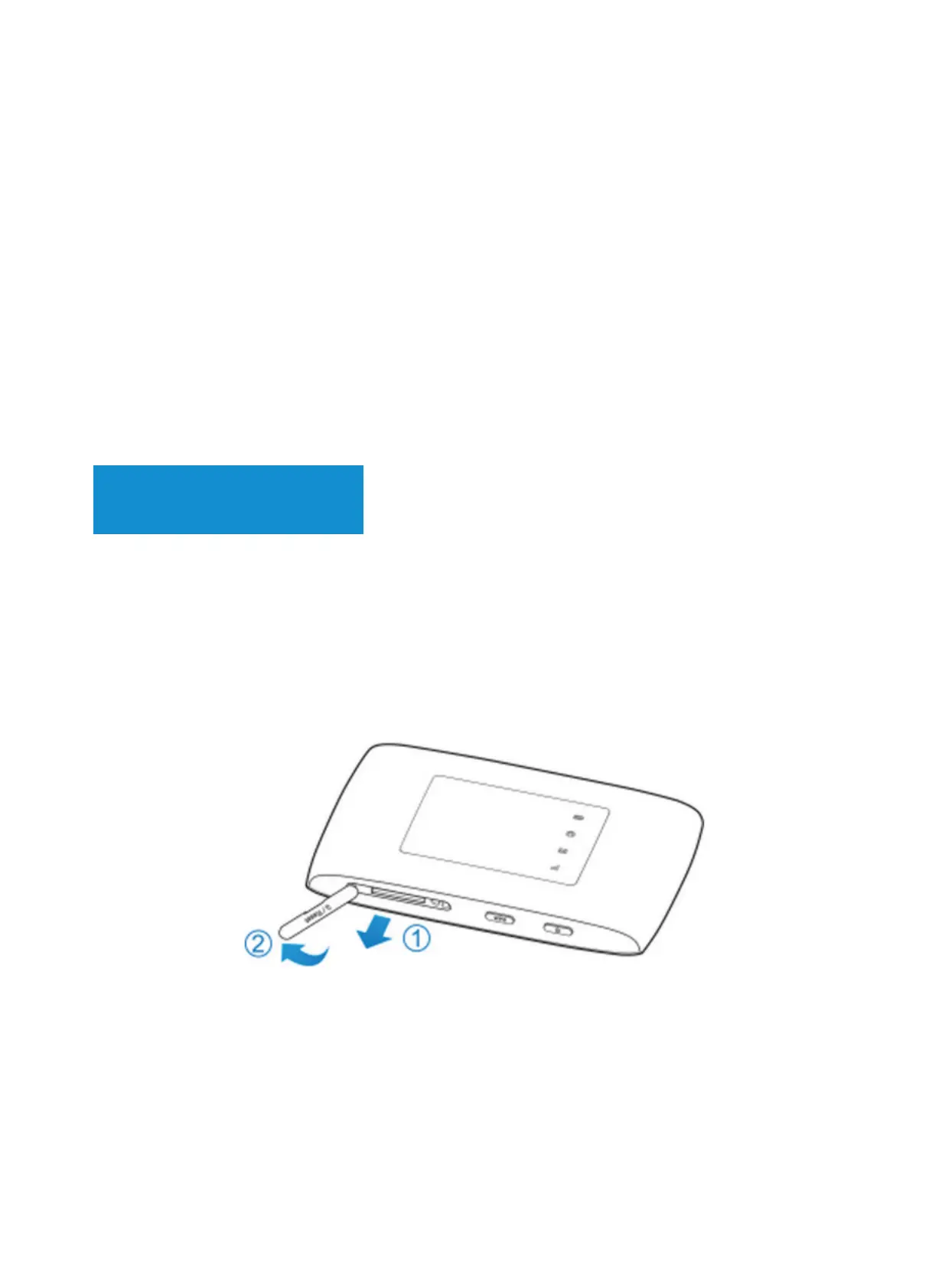
1) Open the SIM card slot cover
NOTE: Do not remove the cover rudely, because it is
connected with the device.
2) Install a micro-SIM card to the micro-SIM card slot.
This device does not support SIM cards, nano-SIM
cards or any other non-standard micro-SIM cards. To
avoid damage to the device, do not use those cards or
any card holders.


 To Next Page