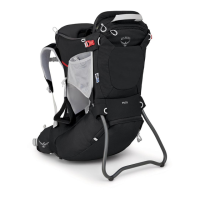
POCO AG™ SERIES
6
WARNING Child must not be in the carrier during the adult fit process.
HIPBELT SIZING 26"–48" / 66cm–122cm
TORSO SIZING 15.5"–21.5” / 39.5cm–54.5cm (all Poco AG
TM
styles)
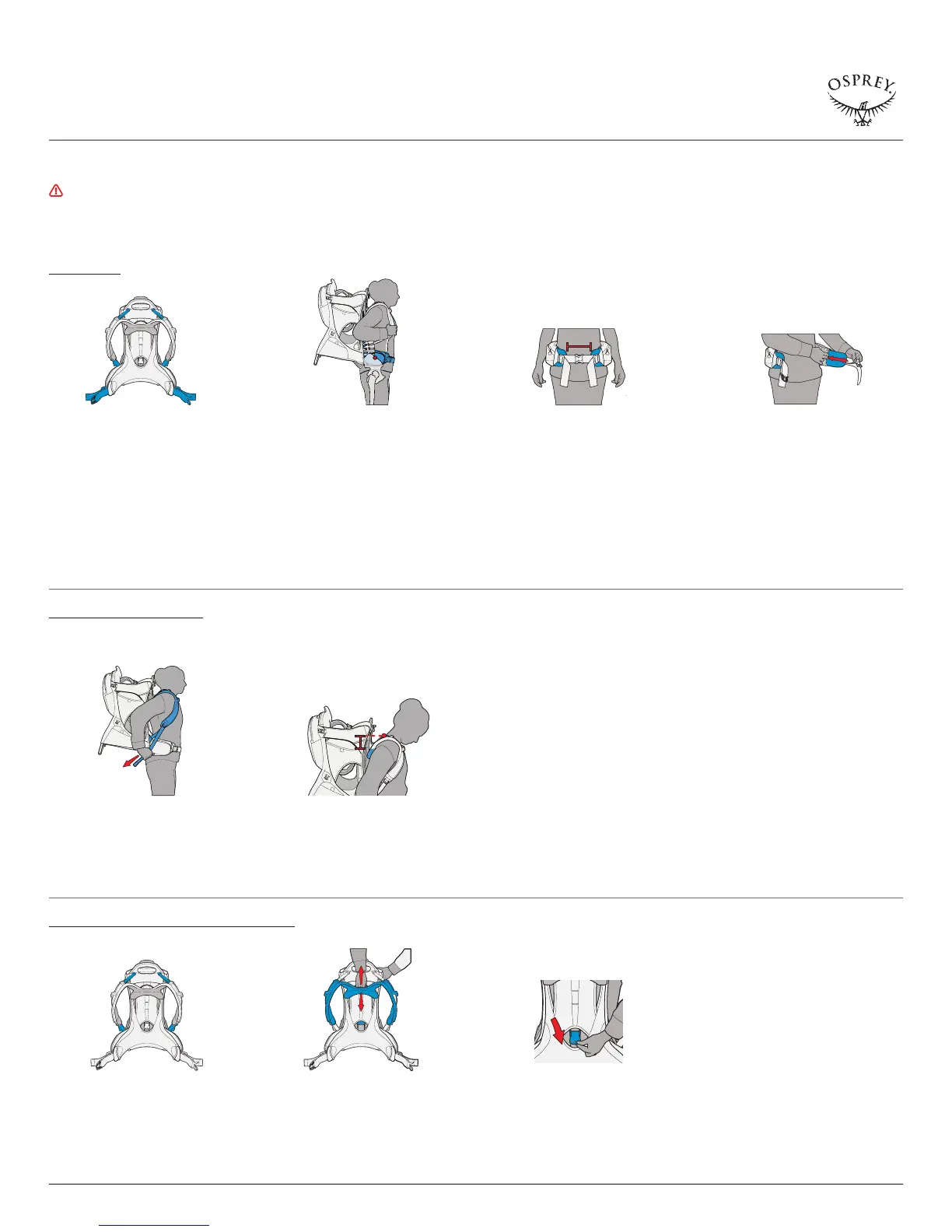
2.1 Loosen the harness, hipbelt and load
lifter straps.
2.5 With the pack on and hipbelt fitted,
tighten the shoulder harness straps
by pulling them down and back.
2.6 For proper torso fit, your C7 vertebra
(bump at the base of your neck)
should be located 1–2 inches / 2.5–5
centimeters above the top edge of
the shoulder harness yoke.
2.7 Take the pack off and completely
loosen the pack’s load lifters and
harness straps.
2.8 Locate the torso adjustment cam at
the center of the backpanel and
lift up to release. Slide the shoulder
harness up or down to the correct
torso length.
2.2 Put the pack on and place the hipbelt
centered over the hipbones. Buckle
and tighten the hipbelt.
2.3 The ends of each hipbelt should be
3–6 inches / 8–15 centimeters from
each other for a correct fit. Make
adjustments to the sizing of the
hipbelt utilizing the Fit-on-the-Fly™
hipbelt extensions to achieve
proper fit.
2.4 Release the extension wings by
separating the hook and loop fabric
closure between the interior hipbelt
mesh and the extension wing. Slide
the extension wings in or out to
adjust the hipbelt position. Extend
the wings the same distance on
both sides using the size arrows for
guidance to ensure the pack ’s weight
is evenly distributed. Press firmly to
reengage the hook and loop.
2.9 Push down the torso adjustment
cam to lock it into position. Your child
carrier is now fitted to the adult.
FIT THE HIPBELT
FIT THE BACKPANEL AND HARNESS
TO ADJUST THE TORSO LENGTH, FOLLOW THESE STEPS:
ASSEMBLY
2. FIT THE ADULT



 To Next Page