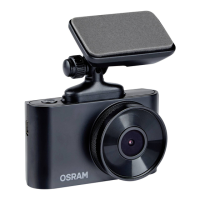
HANG UP (NO IMAGE, NO BUTTON RESPONSE)
Press the RESET button in the App to reboot the device.
MicroSD Card not recognized when used in dash cam
ROADsight 50 **
Please format card *
1
Ensure MicroSD cards is inserted correctly into dashcam
2
Connect dash cam to OSRAMconnect APP
3
Once dashcam connected to APP select settings ‘COG ICON’
4
Select FORMAT option
5
Select YES to FORMAT MicroSD card
* Format MicroSD card will delete all information and recordings from the MicroSD card
** Dashcam will have a constant beep noise if card is not recognized and needs to be
formatted. Please note: If a micro SD card larger than 32GB is used, the latest firmware
update is required.


 To Next Page