13
(IV) Save Directory
• Sets the directory in which videos are saved.
I. Directory can be input manually or selected using the button with a folder icon.
(V) Image/Video Name
• Sets the name of the image/video le.
I. If a le with the same name is saved, a number will be included in the le name so that the
original le is not overwritten.
II. Video les are saved as .avi les. Image les are saved as .png les.
(VI) Analyse Recorded Image/Video
• If this box is checked, the software will load the recorded le into the analysis tab after it has nished
recording.
(VII) Record Button
• Starts video recording.
I. This will save a set number of frames determined by the chosen video length and the
frame rate.
8.3 Performing Measurements
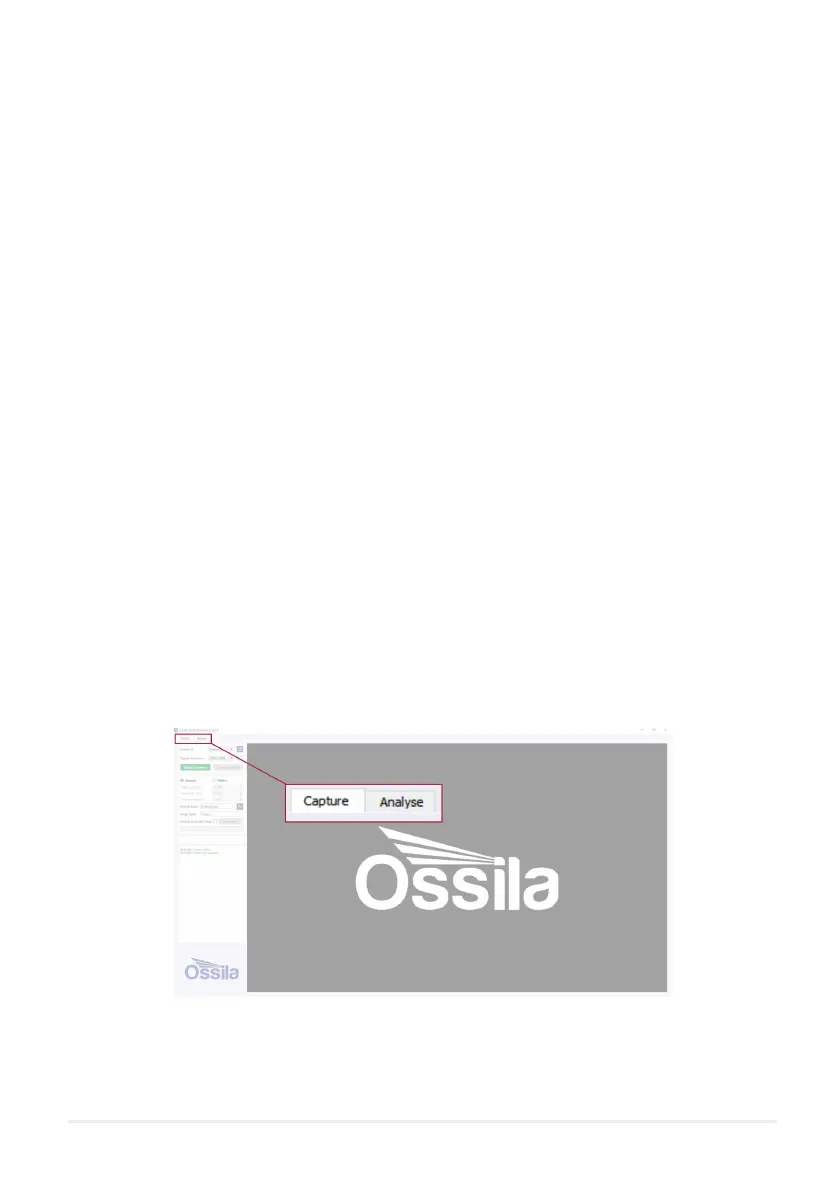
Both contact angle and surface tension measurements are performed in the ‘Analyse’ tab located in the top
left of the software.
Figure 8.4. Analyse Tab



 To Next Page