10
1. Connect the system to your computer using the USB cable provided. Next, plug in the power supply for
the system and check that the backlight turns on.
2. Run the le ‘Ossila-Contact-Angle-Installer-2-0-x-x.exe’ on the USB drive provided and follow the on-
screen instructions to install the Contact Angle Software.
I. Alternatively, the software can be downloaded from: ossila.com/pages/software-drivers
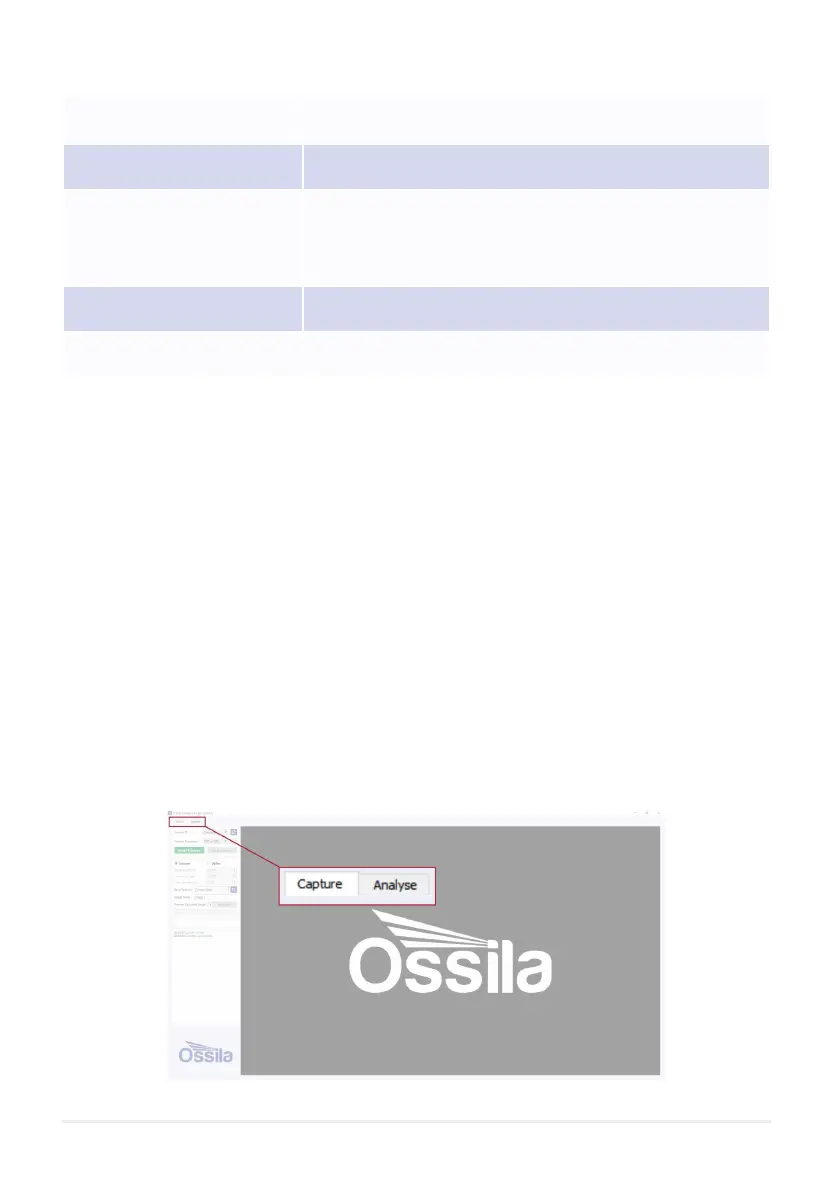
Video recording is performed in the ‘Capture’ Tab located in the top left of the software.
7. Installation
8. Operation
Table 6.2. Contact Angle Goniometer physical specications.
Figure 8.1. Software Tabs (Capture and Analyse)
Stage Dimensions 50 mm x 50 mm
Maximum Droplet Width 20 mm
Overall Product Dimensions
Width: 95 mm
Height: 170 mm
Depth: 320 mm
Maximum Sample Thickness 20 mm
Maximum Camera Resolution 1920 x 1080 pixels
8.1 Recording a Video



 To Next Page