User’s Manual (Confidential)
OsteoSys Co., Ltd.
Model Designation : SONOST 3000 DOC. No. : OT06-2R7124
74
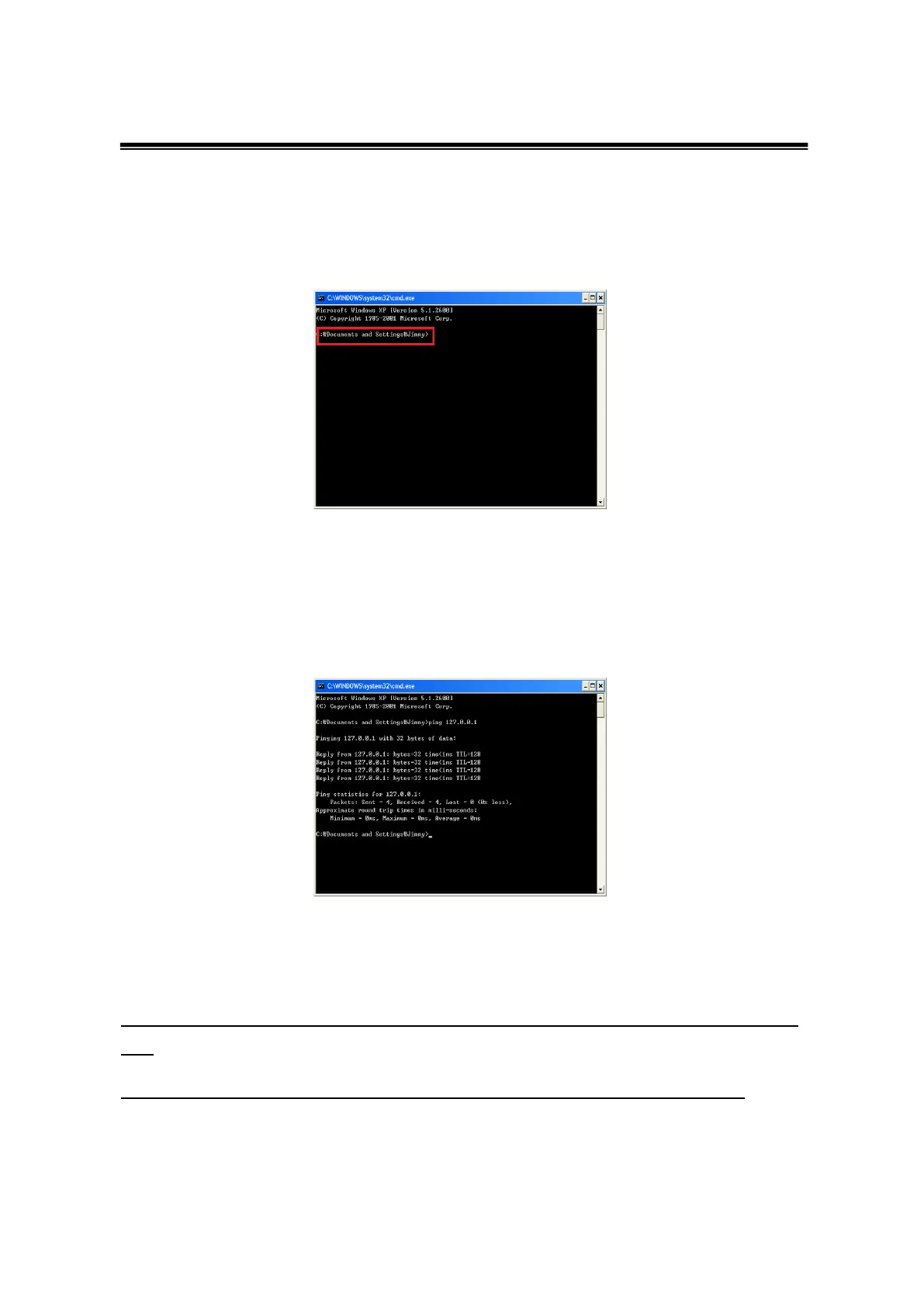
You should press the start and command button for connect to PACS server in the
hospital. When Command board appeared, you should input CMD. Next, you
can see DOS mode.
You should input IP address for connect to PACS
For instance) C:\>ping 192.168.20.3
You should input IP address(192.168.20.3) which you get from the hospital.
When you input command, you can see information which related to connection
You can see ‘Reply from (IP address): byte=32 time=128’ message 4times
and
If you get ‘Packet : Send = 4, Receive = 4’ message, it is a normal sign.



 To Next Page