15
INFUSION DIFFÉRÉE DU CAFÉ
1. L’heure du jour et l’heure de mise en marche
différée désirée doivent être réglées tel que
décrit sous la rubrique
«Réglages de l’horloge
et de mise en marche différée »
.
2. Préparez la cafetière tel qu’indiqué sous
«Addition d’eau et de mouture de café».
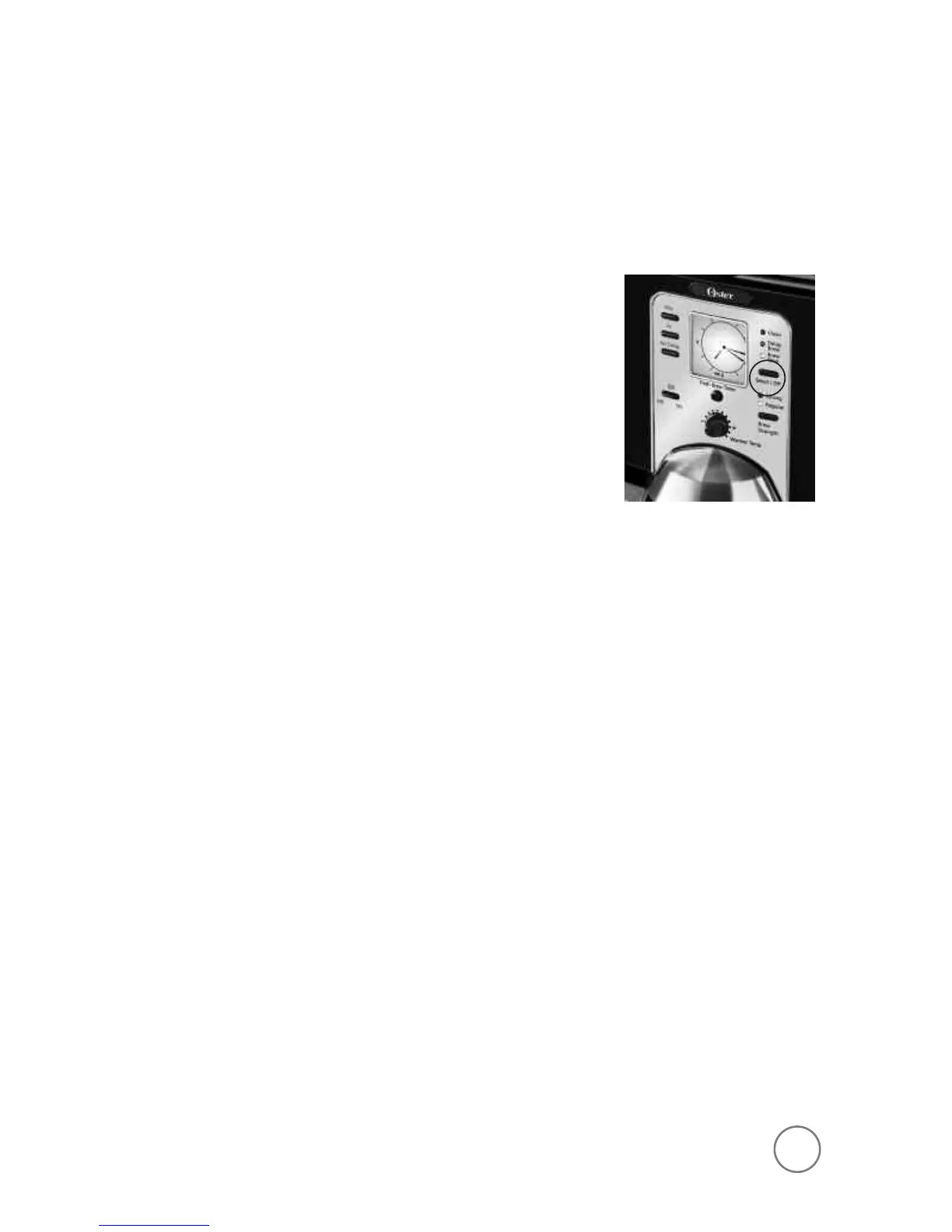
3. Pour activer la fonction DELAY BREW (infusion
différée) et programmer la cafetière afin qu’elle
filtre le café à heure choisie, appuyez deux fois
(figure 10) sur la touche SELECT (sélection). Le
voyant jaune DELAY BREW s’allumera. La cafetière
infusera automatiquement le café plus tard. Le
voyant de concentration du café s’allumera alors.
Il suffit d’appuyer sur la touche BREW STRENGTH
(concentration du café) pour changer le réglage.
4. À l’heure choisie, le voyant vert BREW NOW
(infusion immédiate) s’allumera et le voyant jaune
DELAY BREW (infusion différée) s’éteindra,
signalant le début de l’infusion à la concentration
indiquée. La minuterie FRESH BREW
™
de fraîcheur
d’infusion se mettra alors en marche.
5. La plaque chauffante gardera le café filtré à la
température de service pendant 2 heures puis la
cafetière se mettra hors tension. Les modèles à
verseuse isotherme, eux, s’éteindront dès la fin
du cycle d’infusion.
Par mesure de sécurité, la cafetière ne se mettra
PAS automatiquement en marche le lendemain. Si
vous souhaitez que le café soit prêt à la même
heure le jour suivant, mettez tout simplement un
filtre neuf, de la mouture de café et de l’eau puis
réglez la cafetière à DELAY BREW (infusion
différée), en répétant les étapes 2 et 3 ci-dessus.
Annulation d’INFUSION DIFFÉRÉE
Pressez la touche SELECT (sélection) jusqu’à ce que
tous les voyants lumineux s’éteignent (figure 10).
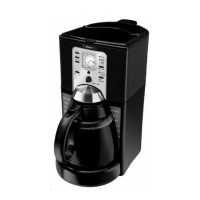
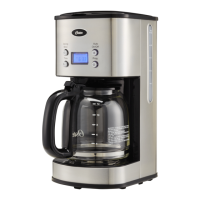
FIGURE 10
15
BREWING COFFEE LATER
1. You must first set the time for when you would
like the coffeemaker to begin brewing your
coffee as described in Setting the Clock and
the Delay Brew Timer section.
2. Prepare your coffeemaker as described in
Adding Water and Ground Coffee section.
3. To activate DELAY BREW and program your
coffeemaker to brew coffee at a later time, press
the SELECT button twice (Figure 10). The yellow
DELAY BREW light will turn on. The coffeemaker is
now set to automatically brew coffee at the
pre-set later time. At this time the brew strength
light will turn on. You can select the strength that
you desire by pressing the BREW STRENGTH button.
4. At the pre-set time, the green BREW NOW light
will turn on and the DELAY BREW yellow light will
turn off, indicating the brewing has started in the
selected brew strength. The FRESH BREW
™
TIMER
feature will start.
5. The coffeemaker warmer plate will keep your coffee
hot for 2 hours and then automatically turn off. Thermal
models will turn off at the end of the brew cycle.
As a safety feature, your coffeemaker will NOT
start again automatically the next day. If you
want your coffee to brew at the same time the
following day, simply add a new filter, coffee
and water and set DELAY BREW, by repeating
Steps 2 and 3 above.
To cancel DELAY BREW:
Press the SELECT button until all lights turn off
(Figure 10).
FIGURE 10
070051_3305_7_9_coffee_IB_REV.qxd 5/25/07 3:39 PM Page 28


 To Next Page