RÉGLAGES DE L’HORLOGE ET
D’INFUSION DIFFÉRÉE
Réglage de l’horloge
1. Branchez le cordon d’alimentation sur une prise
de courant standard. L’horloge clignotera au
tableau, indiquant qu’elle n’est pas réglée.
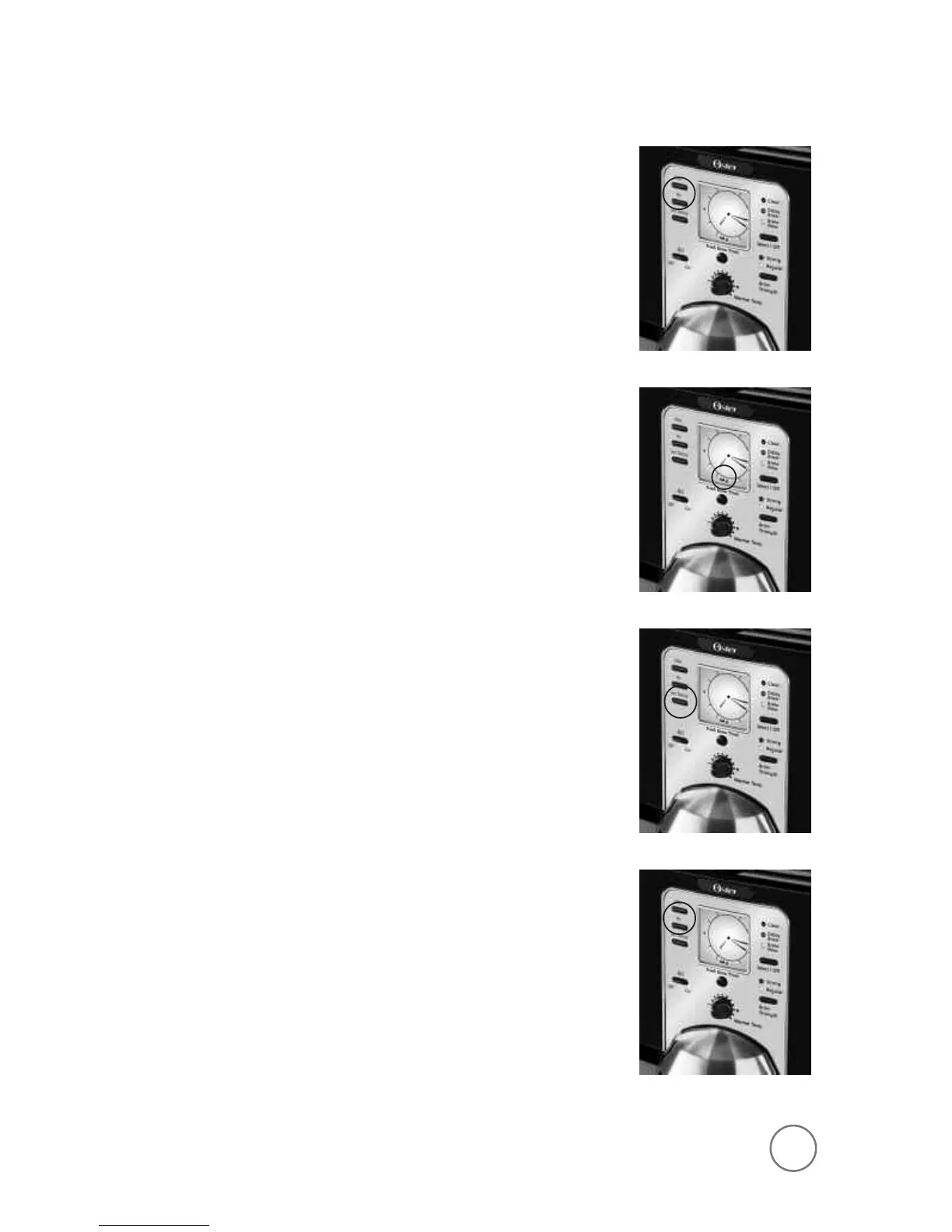
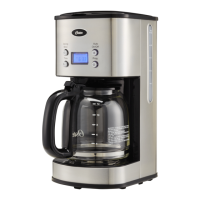
2. Appuyez sans les relâcher sur les touches des
HEURES et des MINUTES jusqu’à ce que l’heure
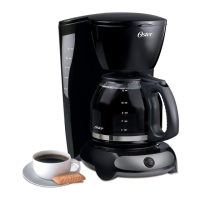
du jour s’affiche. Le voyant AM (heures de 0 à
12) ou PM (heures de 12 à 24) s’allumera au bas
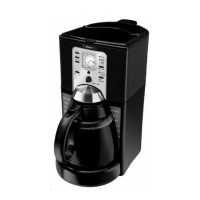
de l’afficheur (figures 1 et 2).
L’horloge est maintenant réglée!
REMARQUE: Si vous appuyez sur n’importe quelle
touche avant de régler l’horloge, l’horloge
commencera à indiquer l’heure à partir de 0 heure.
Il est indispensable de régler l’horloge pour la mise
en marche différée.
Réglage de mise en marche différée
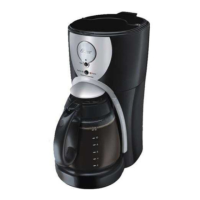
Alors que l’affichage est au mode horloge, appuyez
sur la touche «SET DELAY» (réglage d’infusion
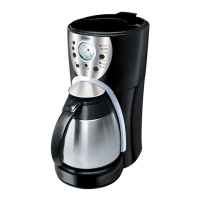
différée), figure 3 et, alors que le voyant jaune
d’infusion différée clignote, réglez l’heure de mise
en marche en appuyant sur les touches des HEURES
et des MINUTES, figure 4. Le voyant AM (heures de
0 à 12) ou PM (heures de 12 à 24) luira.
L’heure du jour s’affichera sous quelques secondes.
L’heure de mise en marche différée est réglée!
REMARQUE: Voyez comment activer la mise en
marche différée sous
«Infusion différée du café».
Pour vérifier l’heure programmée, appuyez sur la
touche SET DELAY. L’heure de mise en marche de la
cafetière s’affichera. Pour revenir à l’heure du jour,
vous pouvez appuyer de nouveau sur la touche SET
DELAY ou attendre un instant.
9
F
IGURE
1
F
IGURE
2
F
IGURE
3
F
IGURE
4
SETTING THE CLOCK AND DELAY BREW TIME
To Set the Clock:
1. Plug the power cord into a standard electrical
outlet. The clock will flash on the control panel
to indicate that the time has not been set yet.
2. Press and hold the HOUR and MINUTE buttons
until you reach the current time. The AM or PM
indicator will light at the bottom of the display
(Figures 1 and 2).
The clock is now set!
NOTE: Pressing any button before setting the clock
will cause the clock to start keeping time from
12:00 a.m. You must set the clock if you want to
use the Delay Brew feature.
To Set the Delay Brew Time:
While the display is in the clock mode, simply press
the SET DELAY button (Figure 3) and, while the
DELAY BREW yellow light is flashing, set the brew
time by pressing the HOUR and MINUTE buttons
(Figure 4). The AM or PM indicator will light at the
bottom of the clock display.
Within a few seconds the display will change
to the current time.
The Delay Brew Time is now set!
NOTE: To activate the DELAY BREW cycle,
see the Brewing Coffee Later section.
To check the programmed time, push the SET
DELAY button. The display will show the time you
have programmed the coffee to brew. If you press
the SET DELAY button again or wait a few seconds,
the display will switch back.
9
F
IGURE
1
F
IGURE
2
F
IGURE
3
F
IGURE
4
070051_3305_7_9_coffee_IB_REV.qxd 5/25/07 3:39 PM Page 16


 To Next Page