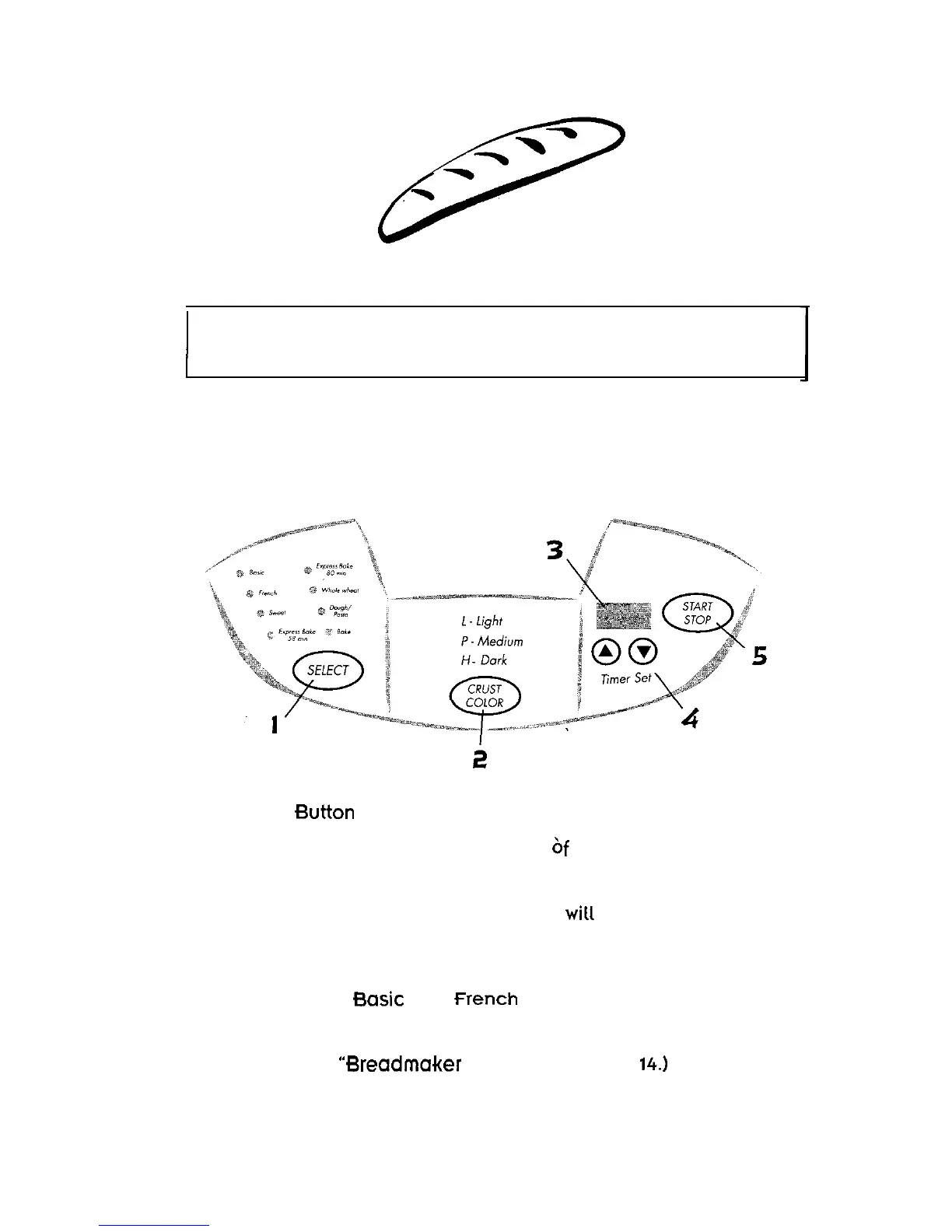
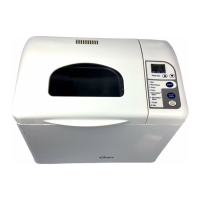
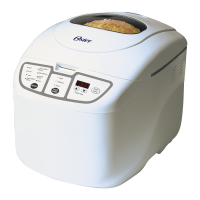
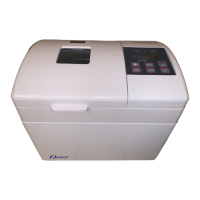
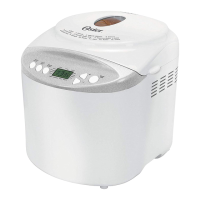
Overview of Breadmaker Features
1 Select
Press this button to select the kind bread you want
.
to make.
Each time you press the button you hear a beep,
and a red light wilt appear next to the setting you chose.
The display shows a number for each setting.
for example,
is 1. is 2. Sweet is 3. etc.
(for more information about each setting,
please see Settings” on page
0
1 2


 To Next Page