6
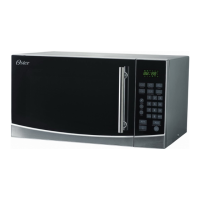
CONTROL PANEL
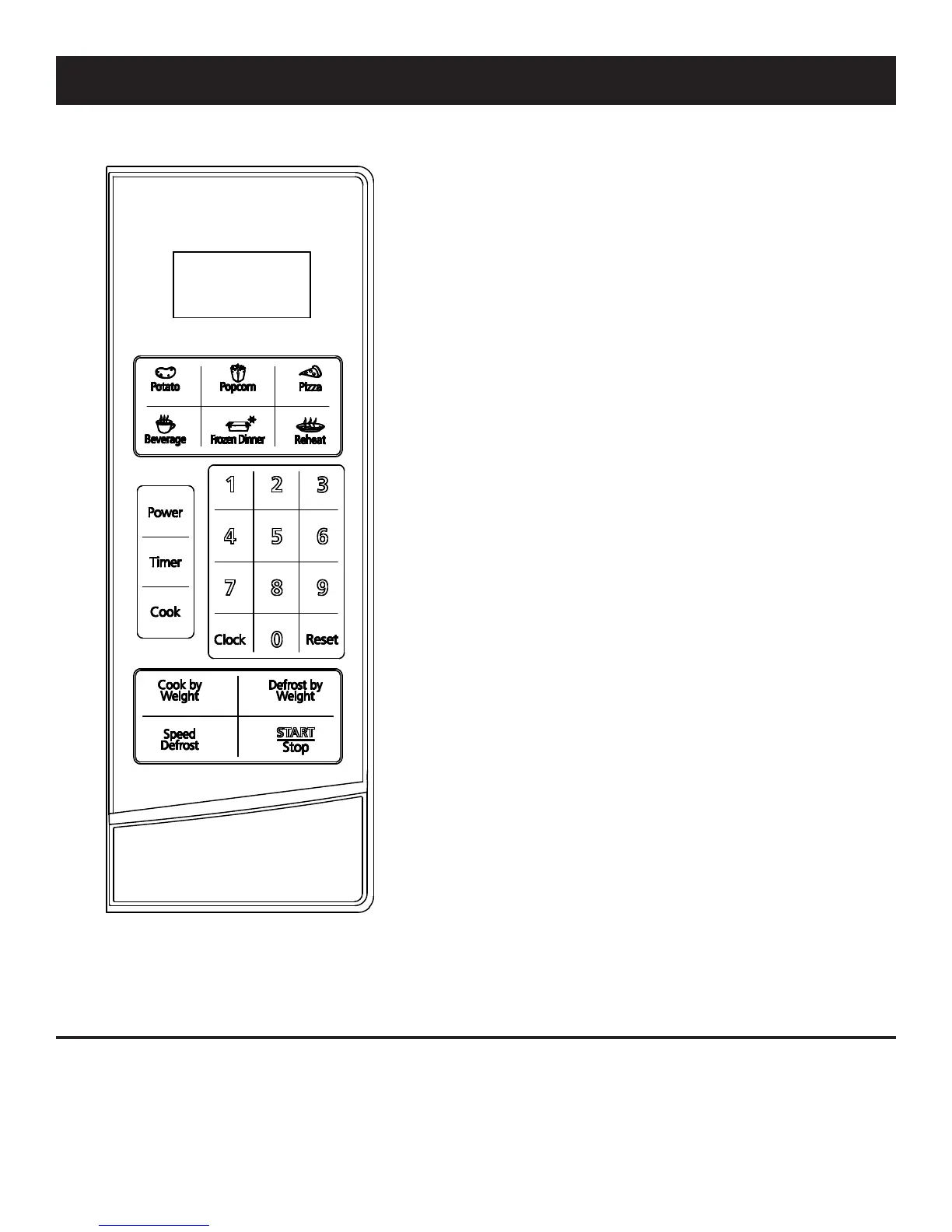
MENU ACTION SCREEN: Cooking time, power,
indicators, and present time are displayed.
QUICK COOK BUTTONS: Instant settings to cook
particular foods.
POWER: Used to set power levels to cook foods
properly.
TIMER: Timer functions independently, even while a
cooking program is in progress.
COOK: Used for multi-staged cooking. Enables
cooking at multiple power levels and time settings.
COOK BY WEIGHT: Programmed cooking based
on weight of foods cooked.
DEFROST BY WEIGHT: Programmed defrosting
based on weight of foods cooked.
SPEED DEFROST: Quick defrost function that
alternates defrost and stand times to quickly and
effectively defrost foods.
NUMBER PAD (0-9): Touch to set time or amount.
CLOCK: Sets current time.
RESET: Clears all previous settings.
START/STOP: Touch to start or stop cooking.
COOK SIGNALS
One signal = microwave accepts entry.
Two signals = microwave does not accept entry, check and try again.
•
•


 To Next Page