COOK BY WEIGHT
1. Touch COOK BY WEIGHT once.
2. Press number pads 1-3 to select the one digit code.
3. Use the number pad to enter food weight.
4. Touch START/MINUTE PLUS.
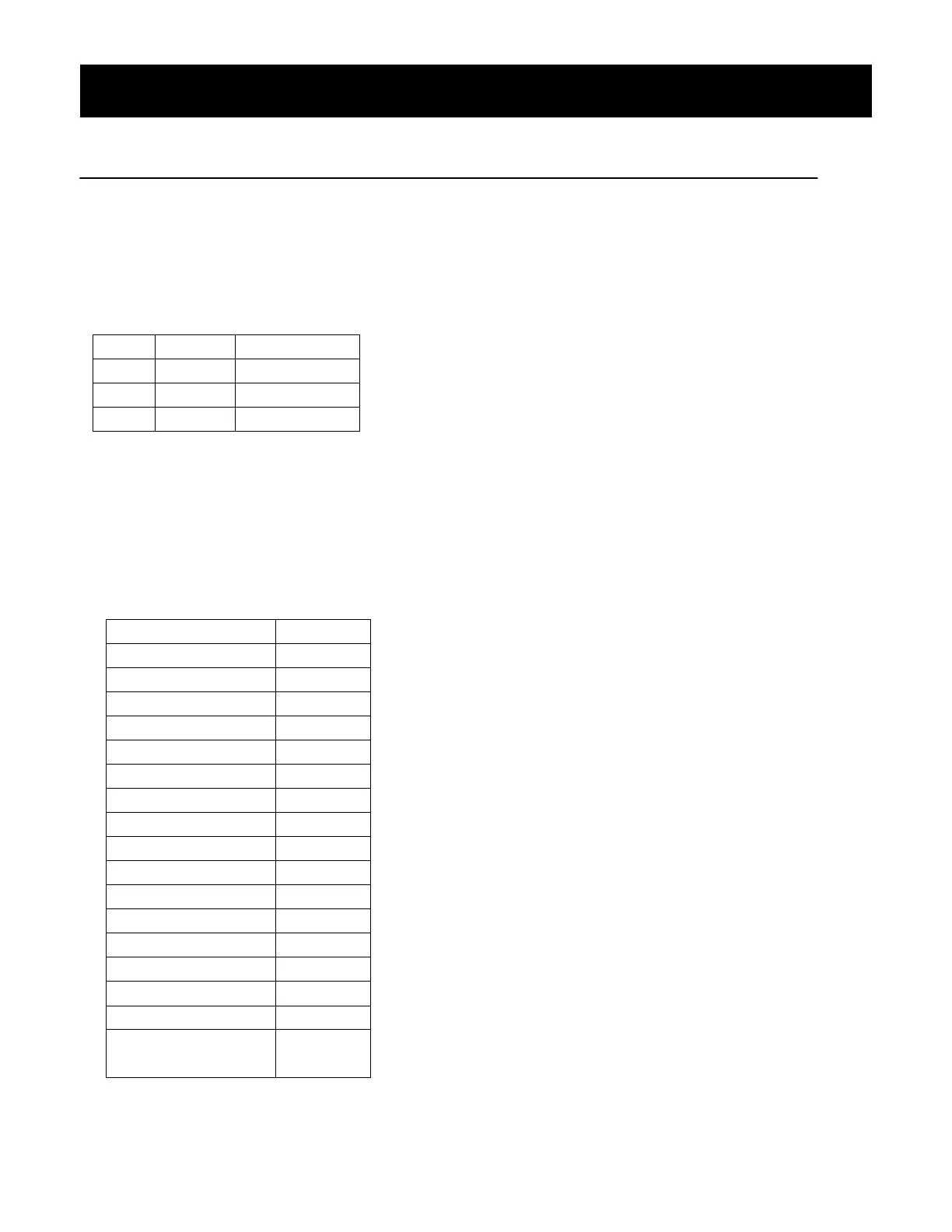
Cook By Weight Code Description
CODE TYPE MAX WEIGHT
1 Beef 5 lbs. 16 oz.
2 Chicken 5 lbs. 16 oz.
3 Pork 5 lbs. 4 oz.
NOTE:
· Meat must be defrosted at refrigerated temperature.
· Weight must be in pounds and ounces.
Ounce weights less than 10 must be preceded by a 0. If label gives weight in pounds only, change the fraction of a
pound to ounces by using the chart.
Converting Fractions of a Pound to Ounces
Fractions of a pound Ounces
Less than .03 0
.03 to .09 1
.10 to .15 2
.16 to .21 3
.22 to .27 4
.28 to .34 5
.35 to .40 6
.41 to .46 7
.47 to .53 8
.54 to .59 9
.60 to .65 10
.66 to .71 11
.72 to .78 12
.79 to .84 13
.85 to .90 14
.91 to .97 15
above .97
go to next
even
· During cooking, the system will pause and sound beeps to remind user to turn food over. Press START/MINUTE
PLUS to resume the cooking.


 To Next Page