EasyManua.ls Logo

Oster OGD21101 - Page 11

Oster OGD21101
17 pages
Print Icon
To Next Page IconTo Next Page
To Previous Page IconTo Previous Page
Loading...
10
REHEAT
1. Press REHEAT button once, “CODE” will show on the display, and then use the number pads 1-6 to choose the
code of food. The oven auto-start immediately.
2. Within the 15 seconds of countdown, use the number pads 1-4 to choose the weight of food.
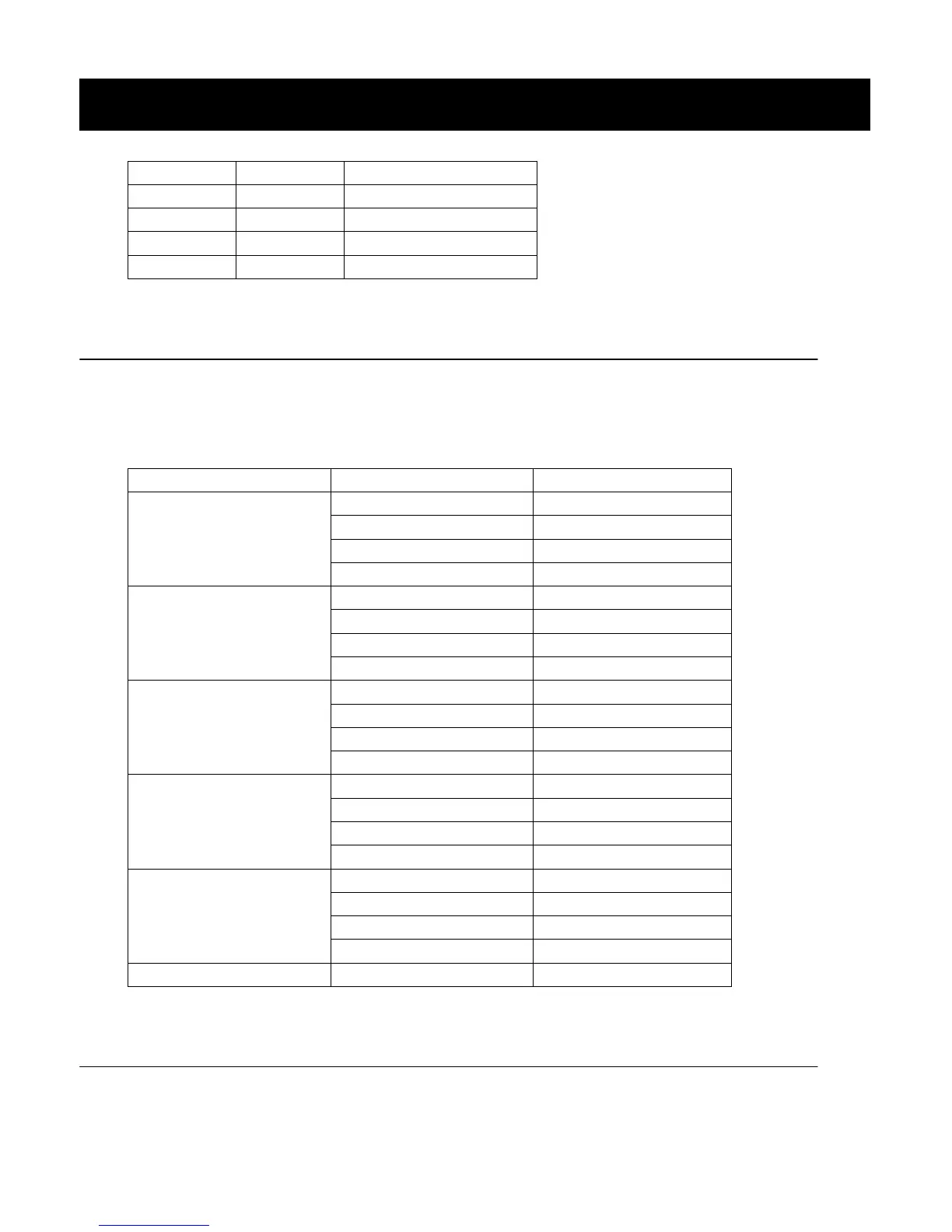
CODE
SIZE SELECTION
TOTAL TIME (min.)
1/PASTA
1 (4 OZ)
:40
2 (8 OZ)
1:20
3 (12 OZ)
2:00
4 (16 OZ)
2:40
2/MEATS
1 (4 OZ)
1:00
2 (8 OZ)
1:40
3 (12 OZ)
2:20
4 (16 OZ)
3:00
3/VEGGIES
1 (4 OZ)
:40
2 (8 OZ)
1:20
3 (12 OZ)
2:00
4 (16 OZ)
2:40
4/BEVERAGES
1 (4 OZ)
:50
2 (8 OZ)
1:20
3 (12 OZ)
1:50
4 (16 OZ)
2:20
5/SAUCES
1 (4 OZ)
:50
2 (8 OZ)
1:20
3 (12 OZ)
1:50
4 (16 OZ)
2:20
6/PLATE
N/A
2:00
BEVERAGE
1. Touch BEVERAGE pad, then 8.0 will show on display. The oven auto-start immediately.
2. Within the latest 15 seconds of countdown, press BEVERAGE repeatedly or the number pads from 1 to 4 to
choose the weight of food (each 4 OZ).
NUMBER
AMOUNT
TOTAL TIME (min.)
1
1pot
5:00
2
2pot
9:00
3
3pot
13:00
4
4pot
17:00
OPERATION INSTRUCTIONS (continued)

Related product manuals