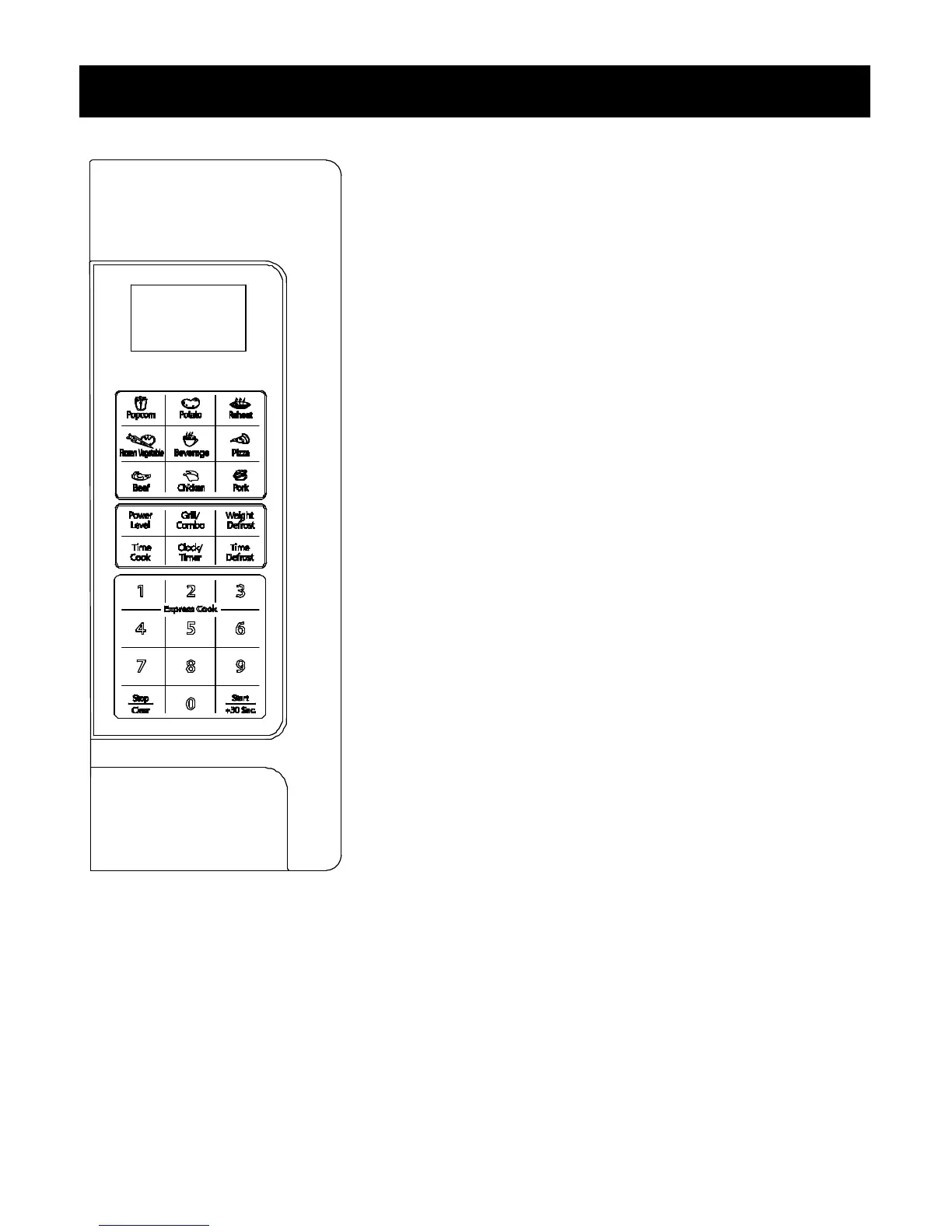
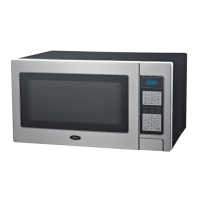
DISPLAY
Cooking time, power, indicators and present time are displayed.
AUTO COOK BUTTONS
Instant settings to cook popular foods.
POWER
Use to set power levels other than high.
GRILL/COMBO
Press 3 times to choose a cooking mode.
WEIGHT DEFROST
Programmed defrosting based on the weight of the foods to be
defrosted.
TIME COOK
Use for multi-stage cooking. Enable cooking at multiple power and
time settings automatically.
CLOCK/TIMER
Set the digital clock and timer.
TIME DEFROST
Quick defrost function that alternates defrost and stand times to
quickly and effectively defrost foods.
NUMBER BUTTONS (0-9)
Press to set time or amount.
STOP/CLEAR
Stop or clear all previous settings.
START/+30 SEC.
Press to start cooking or to set cooking time to add 30 seconds
each at full power level.


 To Next Page