3. The program starts automatically.
GRILL COOKING
The upper heating element delivers high-wattage heat to sear your foods.
Suppose you want to use this feature to cook for 12 minutes.
1. Open the door and place the food into the oven, close it.
2. Press GRILL/COMBO button once.
3. Press number buttons to set the desired cooking time.
4. Press START/+30 SEC. button to start cooking.
You can set a cooking time from one second to 99 minutes and 99 seconds.
COMBINATION (COMBO) COOKING (MICROWAVE + GRILL)
Suppose you want to set combination cooking for 25 minutes.
1. Open the door and place the food into the oven, close it.
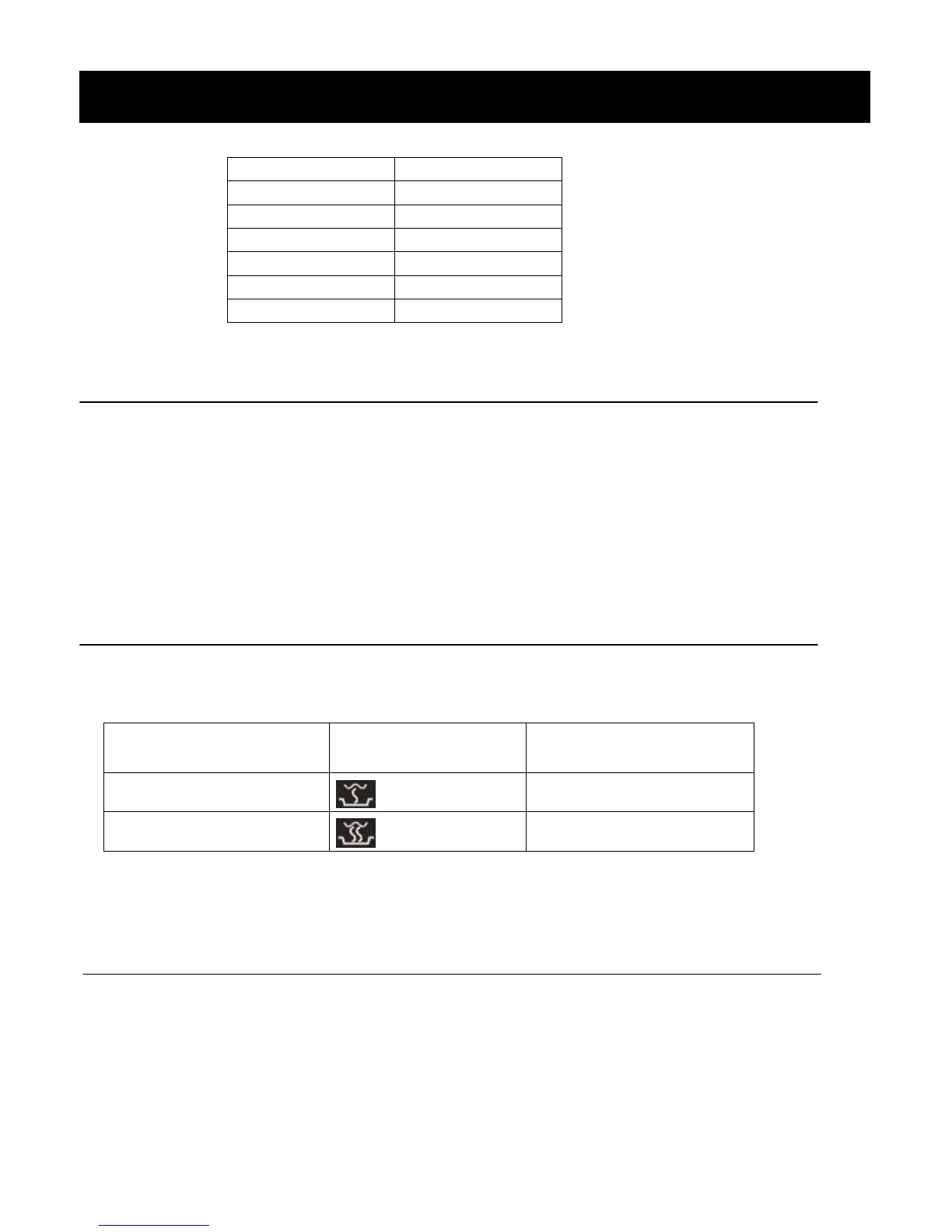
2. Press GRILL/COMBO button twice or 3 times to choose “Combination 1” or “Combination 2”.
30% Microwave + 70% Grill
55% Microwave + 45% Grill
3. Press number buttons to set the desired cooking time.
4. Press START/+30 SEC. button to start cooking.
TIME DEFROST
The longest defrosting time is 99 minutes, 99 seconds.
1. Press TIME DEFROST button.
2. Enter desired defrosting time by pressing correct number buttons. Digital timer sets minutes and seconds from
left to right so a single digit can be set (5 for 5 seconds ) or up to 4 digits (2405 for 24 minutes 5 seconds).
3. Press START/+30 SEC. button.
NOTES:
·After time has elapsed signals sound and END appears in display. Press any button or open door to clear END
OPERATION INSTRUCTIONS (continued)


 To Next Page