English-16
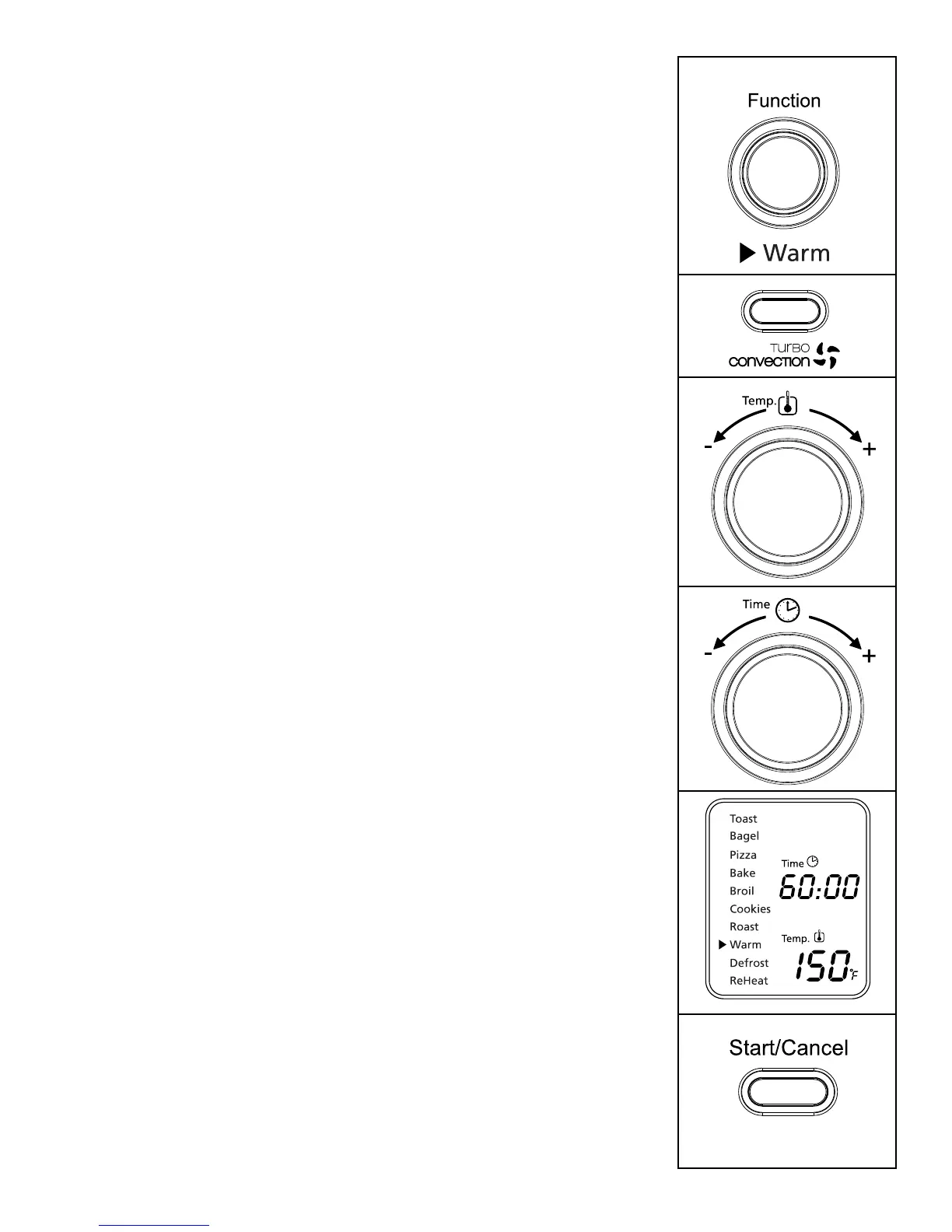
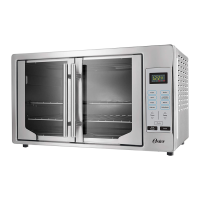
using the Warm Function (see Fig. 9)
Step 1. TurntheFunctionKnobtotheWarmfunction.
WhenyouselecttheWarmfunction,thelower
heating element will heat.
Default Temperature: 150ºF.
Default Time: 60 minutes.
YoumaymanuallyactivatetheTurbo
ConvectionHeatbypressingtheTurbo
button once to turn it on. The blue light of
the Turbo button will turn on.
Step 2. To set the temperature:
Turn the Temperature Knob if you wish to
increase or decrease the temperature setting.
FortheWarmFunction,thetemperature
can be set from 150 to 200ºF in 25-degree
increments.
Step 3. To set the time:
Turn the Time Knob if you wish to
increase or decrease the warming time.
ThemaximumtimesettingforWarmis60
minutes(1hour).Onceyouhaveselected
the desired warming time, press the Start
button to initiate the warming process.
Step 4. To Start:
PresstheStart/CancelButtontostartthe
warmingprocess.TheredStart/Cancel
Buttonlightwillilluminate.TheLCD
DisplaywillshowtheWarmFunction,
the countdown time and the selected
temperature. The unit will begin to work
and the timer will start counting down.
WhentheWarmingcycleiscomplete,the
unitwillemit3beeps.TheLCDandthe
Start/CancelButtonLightwillturnoffafter
30 seconds.
NOTE:Youcancancelthewarmingcycleatanytime
bypressingtheStart/CancelButtononce.The
redStart/CancelButtonlightwillturnoff
whenever a function has been completed or a
function is manually cancelled.
Figure 9



 To Next Page