English-6
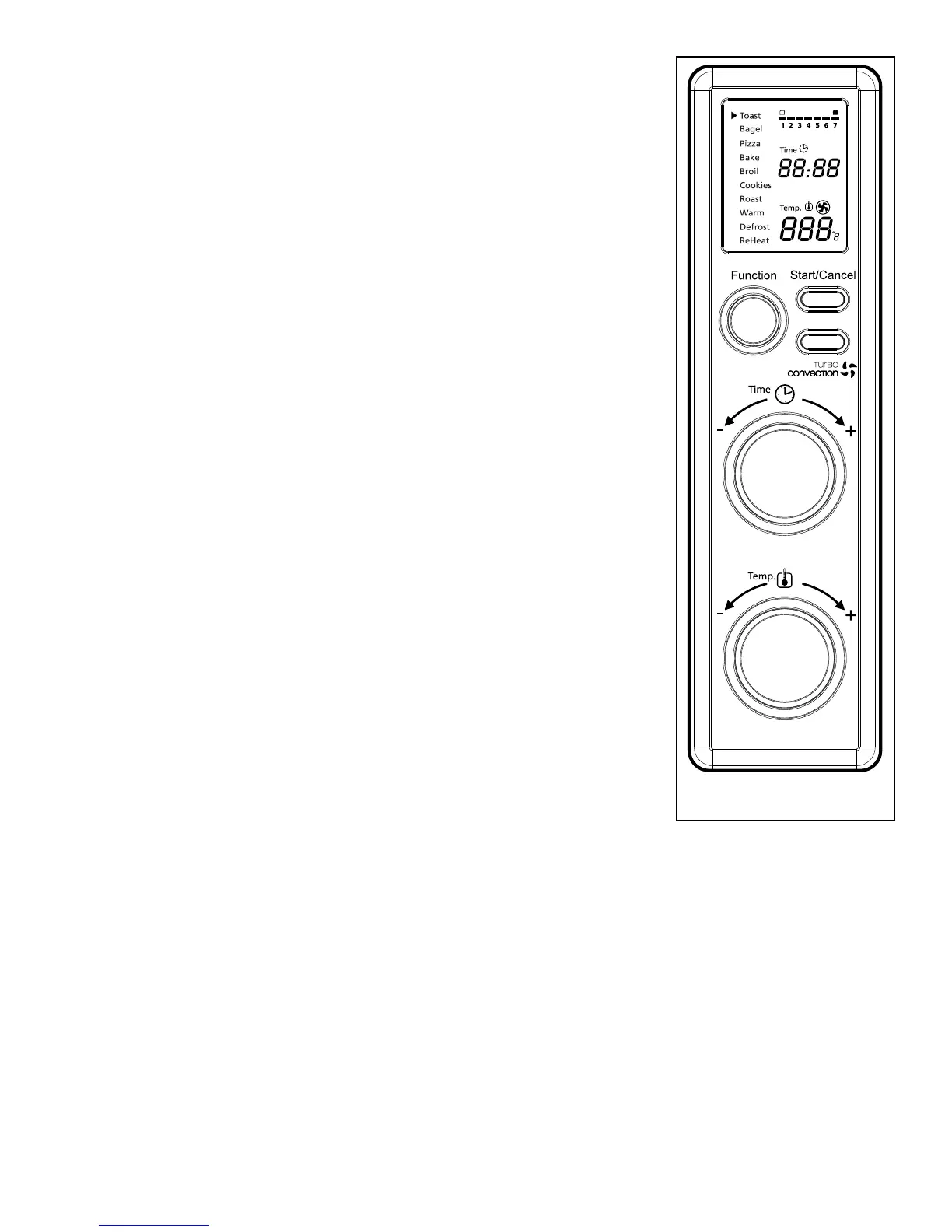
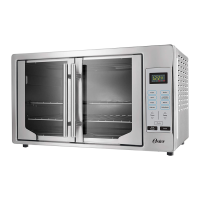
using Your toaster oven (see Fig. 1)
Plug the unit in. The unit will emit two long
“beeps”andtheLCDscreenwillilluminate.The
function option will appear with an indicator on
thepresetTOASTfunction.TheLCDandthe
Start/Cancelbuttonlightwillbeilluminatedfor
30 seconds and then go out if no other buttons or
knobs are pressed or moved.
PLEASE NOTE: oncetheblueLCDdisplaygoes
out – you can press or move any button or knob to
“wakeup”thedisplayandoperateasnormal.
Step 1. Select Function
Turn the Function Knob to choose one of
thefollowing10optionsfromthemenu:
Toast,Bagel,Pizza,Bake,Broil,Cookies,
Roast,Warm,DefrostandReheat.The
indicator arrow will move from function to
function as the knob is turned.
NOTE:Ifthecookingprocessisnotstartedorno
further button is pressed or knob is turned
within 30 seconds the blue backlight and
theStart/CancelButtonLightwillturnoff.
Step 2. Time:
Turn the time knob to increase or decrease
the cooking time. The maximum time
setting is 60 minutes.
Step 3. Temperature:
Turn the temperature knob to increase or
decrease the temperature setting.
Figure 1



 To Next Page