14
Multiple PIDs may be sent if vehicle is equipped with more than one
computer module (for example a powertrain control module [PCM]
andatransmissioncontrolmodule[TCM].TheToolidentiesthem
bytheiridenticationnames(ID)assignedbymanufacturer(i.e.$10
or$1A).SeePIDDenitionsformoreinformation.
If one or more control modules stop responding, the Tool displays a
message:
If continuing , dashes will replace data in right hand column.
If NO is selected, the Tool will attempt to re-establish
communication with that module.
Entire Data List
Selecting Entire Data List from the Select Data to View menu will
show all supported PID data for the vehicle being tested.
The Select Data to View menu will show all supported PID data for
the vehicle being tested.
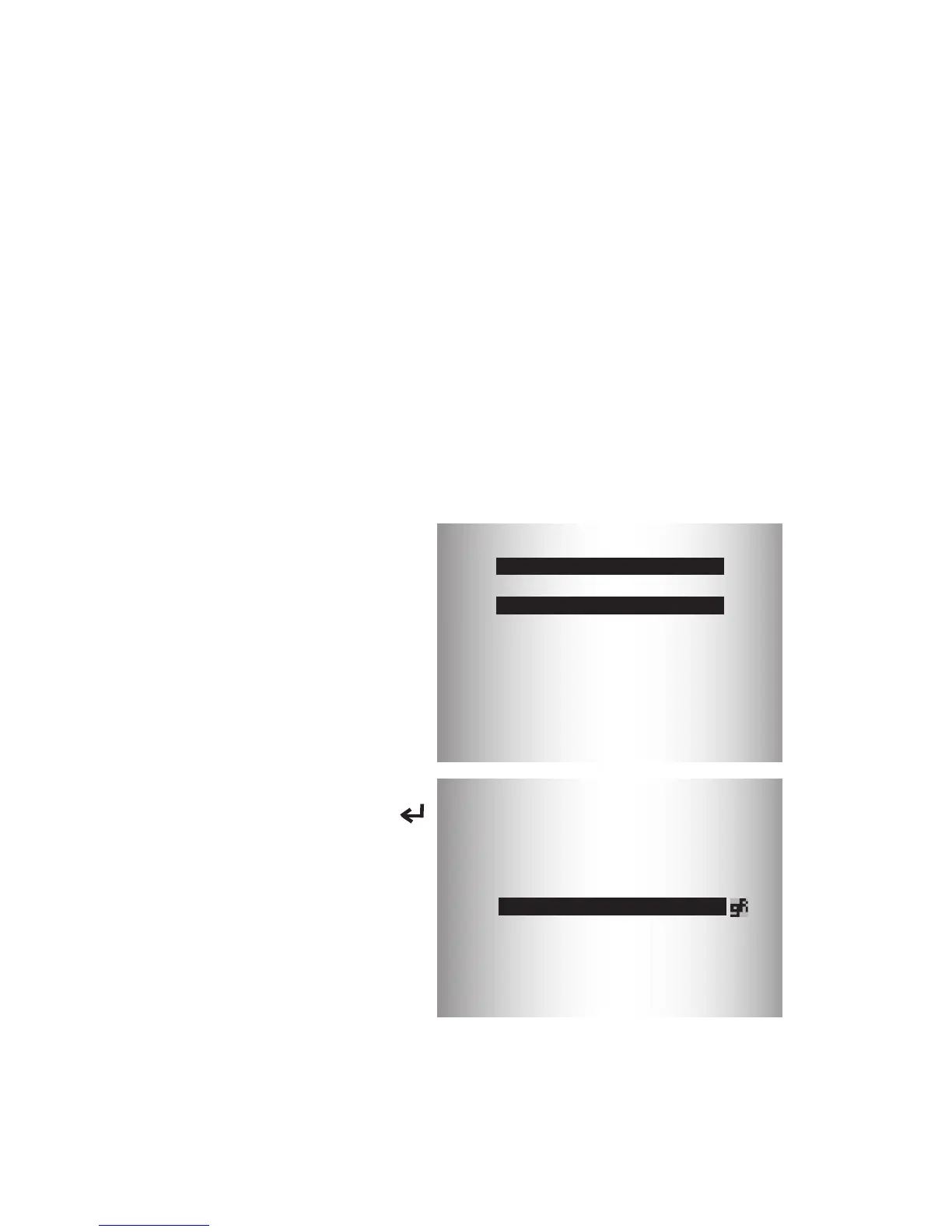
From the Select Data to View menu:
1. ViewPIDsonTool.Usethe
UP or DOWN arrow
key.SeePIDDenitionsfor
more information.
Select Data to View
=========================
Entire Data List
Custom Data List
English / Metric
Long PID Names
2. If the “
gR
” icon displays while
a PID is selected, press
ENTER to view graph.
A/C PRESS (psi) 15.5
A/C PRESS (V) 3.00
A/F RATIO 14:1
BARO PRESS (”Hg)29.9
ABSLT TPS 12.2
ENGINE (RPM) 2352
CALC LOAD (%) 83.1
MAF (LB / M) 0.57
3. Press BACK to return to PID screen.
4. Press BACK again to Select Data to View menu.
5. Press BACK again to return to Diagnostic Menu.


 To Next Page