7
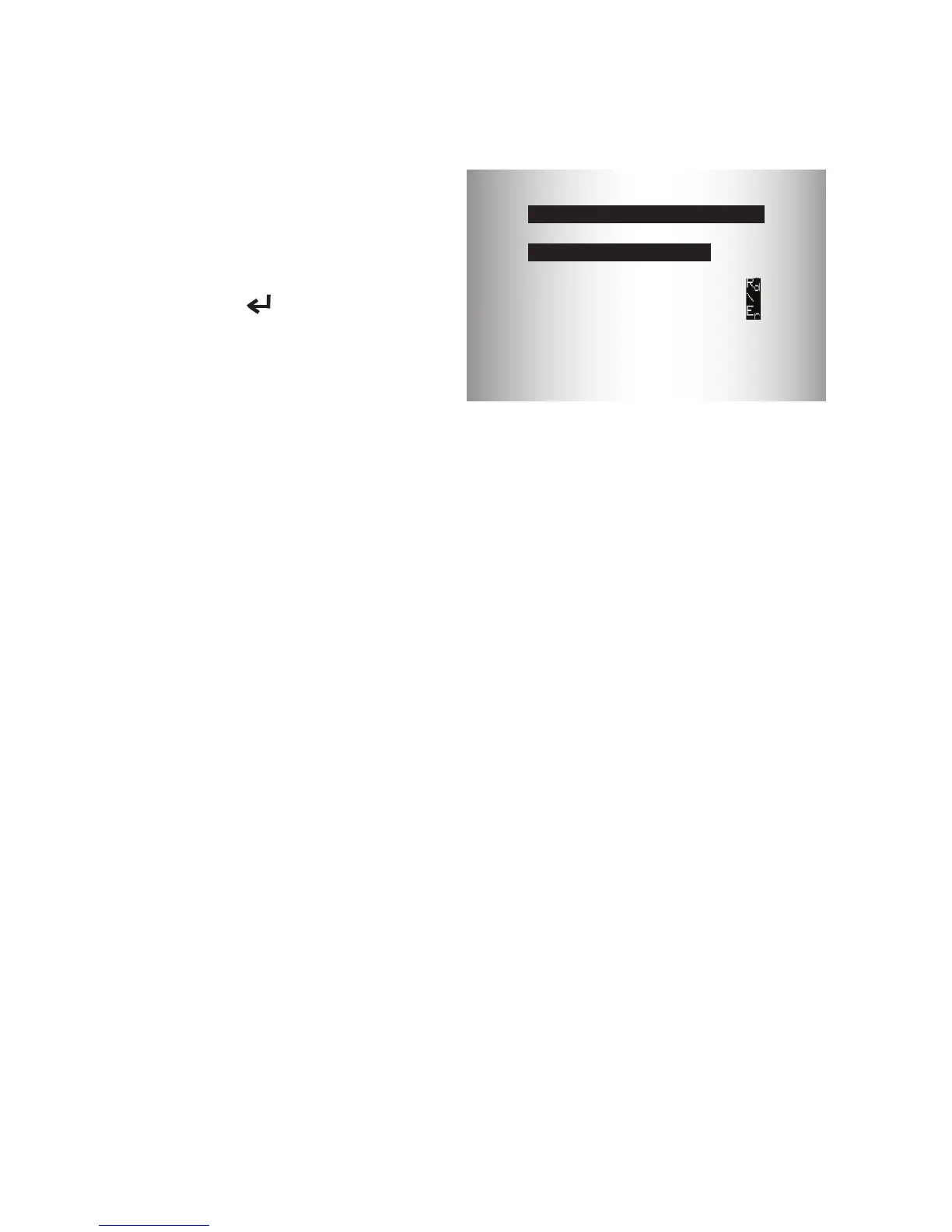
Diagnostic Menu User Interface
To select functions:
1. From the Diagnostic
Menu, press the READ
or ERASE arrow key
until the desired function
is highlighted, then press
the
ENTER key to
retrieve and display the
results.
2. When complete, press
BACK to return to the
Diagnostic Menu selection
screen.
Read Codes
To read the codes:
⇒ Press and hold the READ key for 2 seconds then release it, or
Select Read Codes from Diagnostic Menu.
Whenviewingcodes,theTooldisplaysConrmed,Pending,andPerma-
nentCodes.ConrmedTroubleCodesarereportedwhenacomponent,
sensor, or other part of the vehicle is indicating a malfunction is present.
Themalfunctionmustbepresentforasufcientamountoftimebefore
thevehiclerecordsandtheTooldisplaysaConrmedTroubleCode.
ConrmedcodesareindicatedbytheCONFIRMEDicon.
Pending Codes are only reported if a problem occurs during the current
or last completed drive cycle. Pending Codes do not necessarily indicate
afaultycomponentorsystem.PendingCodesconverttoConrmed
Trouble Codes when an emissions problem persists long enough to
be considered a real problem, not an anomaly. Pending Codes are
indicated by a PENDING icon.
Permanent Codes are special conrmed code. Permanent Codes
began being reported by vehicles beginning around 2010, so they are
notsupportedbyeveryvehicle.WhileConrmedCodescanbeerased
by the tool, Permanent Codes cannot. Permanent Codes are erased
by the vehicle when the vehicle has determined the fault is no longer
present. Permanent Codes are indicated by a PERMANENT icon.
Diagnostic Menu
=========================
State OBD Check
Erase Codes
MIL Status
View Freeze Data
View Data
Read Codes


 To Next Page