13
View Data
The View Data function allows real time viewing of the vehicle’s
computer module’s PID data. As the computer monitors the vehicle,
information is simultaneously transmitted to the Tool.
ViewDataallowsthefollowingitemstobeviewedontheTool:
Sensor data
Operation of switches
Operation of solenoids
Operation of relays
View Data is shown as:
Entire Data List
Apart from the Read Codes, View Data is the most useful diagnostic
function for isolating the cause of a vehicle operation problem.
From the Diagnostic Menu:
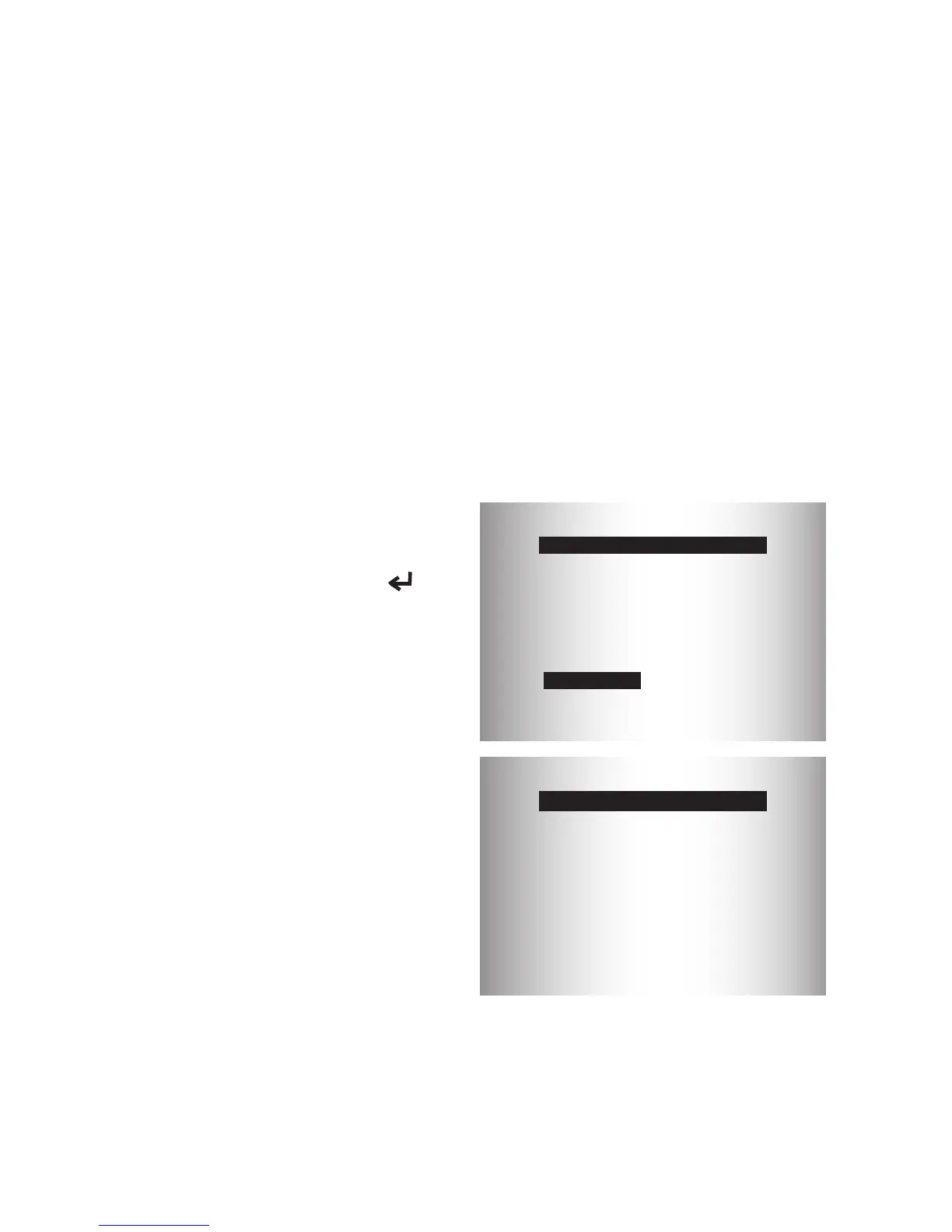
1. Select View Data. Use the
UP or DOWN arrow
key until View Data is
highlighted. Press
ENTER.
Diagnostic Menu
=========================
State OBD Check
View Data
Erase Codes
MIL Status
Read Codes
I/M Monitors
Validating PIDs
======================
es
PID X/Y
Please Wait
PID MAP validation is the tool asking the vehicle which PIDs are
supported.SeePIDDenitionsforacompletelistofPIDssupported
by the tool.
2. Observe while Tool valida-
tes PID MAP.


 To Next Page